AI-generated illustration — not a retailer product photo.
DreamHost Web Hosting at a Glance
AI-generated illustration — not a retailer product photo.
DreamHost is worth assessing as a structured hosting option rather than as a provider to rank on claimed real-world speed or uptime. This guide uses DreamHost’s published plan information and WordPress-hosting description; it does not rely on independent performance testing or a hands-on account review.
For a freelancer, small business, or lean team, the useful starting question is practical: can the plan’s published website allowance, expected monthly-visit capacity, storage, email provision and term cost fit the site you are actually planning? DreamHost presents a standard web-hosting range alongside WordPress-oriented hosting, with the latter described as including WordPress-focused expertise and optimised servers. That may make it relevant to teams already committed to WordPress, but it is still sensible to compare the stated limits with your own requirements before treating either range as the default choice.
The published tiers also make this a relatively straightforward shortlist exercise. A small portfolio, brochure site or modest store does not need an unqualified verdict; it needs a clear view of capacity, included features and the financial commitment after the introductory period. Start there, then compare the current product page and checkout details with alternative hosts if your needs are unusual or likely to change quickly.
Plans, Capacity and Included Features
AI-generated illustration — not a retailer product photo.
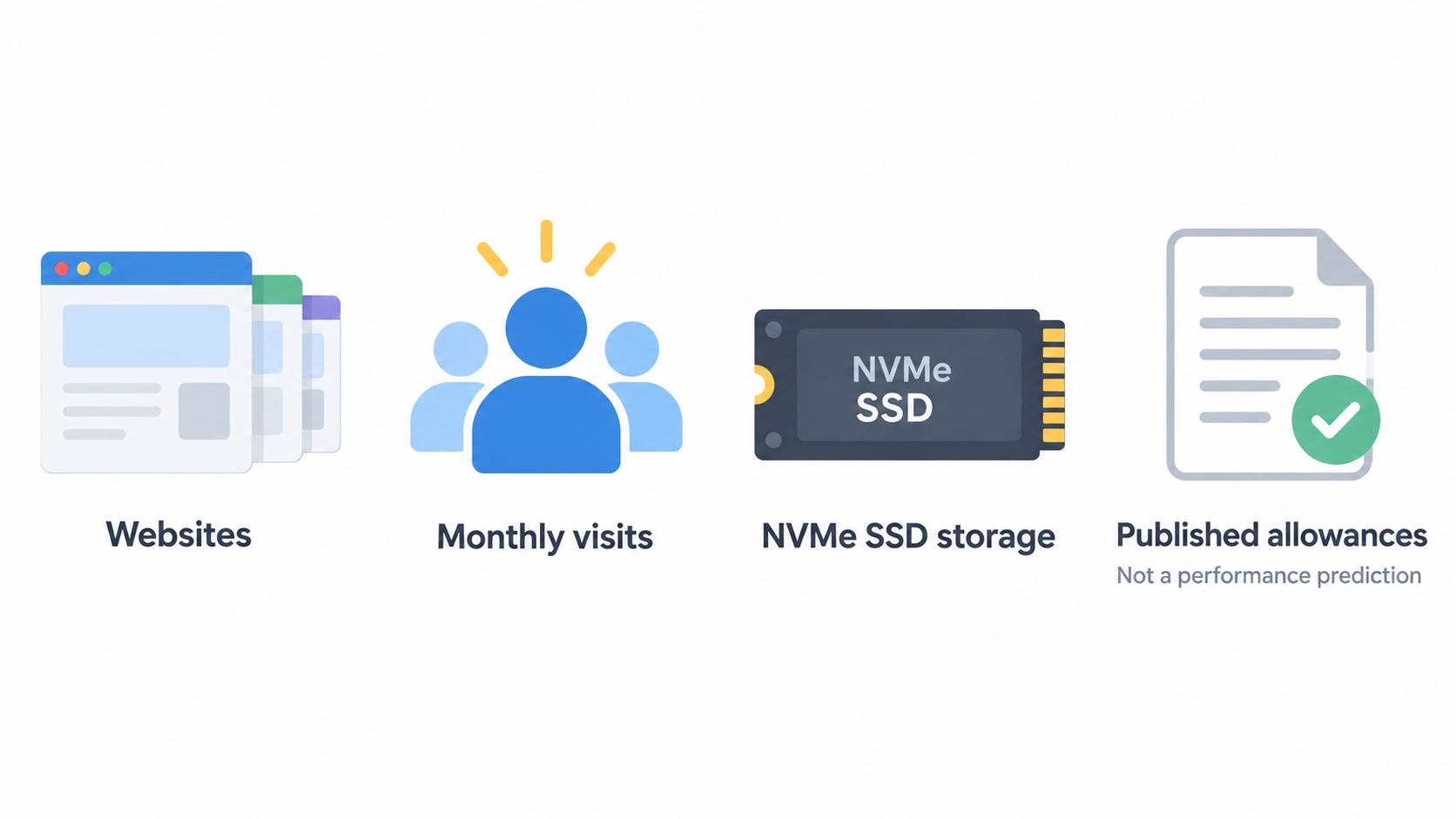
DreamHost publishes three web-hosting tiers: Launch, Growth and Scale. Launch lists capacity for 25 websites, 40,000 monthly visits and 25 GB of NVMe SSD storage. Growth raises those figures to 50 websites, 200,000 monthly visits and 50 GB of NVMe SSD storage. Scale lists 100 websites, 400,000 monthly visits and 100 GB of NVMe SSD storage. These are published allowances, not a prediction of how any particular site will perform.
The same progression gives buyers a useful comparison frame. A freelancer with a handful of client sites may focus first on the site count and storage listed for Launch. A team that expects to consolidate more sites, add regular content, or accommodate a larger projected audience can compare Growth and Scale rather than assuming the entry tier will remain sufficient. Mailbox availability also rises by tier: 20 on Launch, 40 on Growth and 60 on Scale, with the pages describing three months free for those mailboxes.
DreamHost lists several shared inclusions across the range: unmetered bandwidth, daily automated backups, on-demand performance scans, unlimited free SSL certificates, a handcrafted starter website, a free domain for the first year and a 30-day money-back guarantee. “Unmetered bandwidth” is a published feature label, not a reason to assume every high-demand or specialist use case is unrestricted. The website, visit, storage and mailbox figures remain important when selecting a tier.
Price needs a separate check. DreamHost’s pages frame offers as introductory pricing that varies by subscription length, and state that the full term plus taxes is charged at checkout. The WordPress-hosting page also presents a four-year promotional term and shows automatic renewal pricing after that period. Before comparing plans, confirm the exact term selected, the current renewal amount, taxes and any checkout-specific total rather than comparing only the prominent starting price.
Potential Strengths for Small Businesses
The clearest potential strength is the published capacity ladder. Launch is positioned as a starting point, while Growth and Scale add website, monthly-visit, storage and mailbox allowances in defined steps. That structure can be useful for a small business that wants to match today’s requirements to a tier while retaining a clearly described higher-capacity option for later comparison.
The bundled features may also reduce the number of separate basics a lean team has to evaluate at the outset. DreamHost lists SSL certificates, daily automated backups, a first-year domain and a starter website across the web-hosting range. Those inclusions do not settle whether the service is right for every project, but they are relevant when comparing the practical scope of plans rather than their headline prices alone.
For WordPress users, DreamHost’s WordPress page presents WordPress-focused support and WordPress-optimised servers, and says its team contributes to WordPress core. That framing may appeal to teams that prefer a WordPress-specific support context. It should not replace a requirements check: confirm the same plan-level limits, the chosen billing term and whether the hosting approach fits your existing site, plugins, workflow and migration needs.
Trade-Offs and Checks Before You Buy
The main trade-off is between a visible promotional offer and the longer-term commitment behind it. DreamHost states that full subscription-term charges and taxes apply at checkout, while the WordPress page describes sale pricing that auto-renews at a stated monthly rate after a four-year term. A buyer should therefore record both the total due now and the renewal cost before deciding that a low monthly promotional figure fits the budget.
Capacity is the second check. Website count, projected monthly visits, NVMe storage and mailbox allowance differ materially between Launch, Growth and Scale. Estimate the number of sites you expect to run, the content and media storage they need, and whether business email will be central to the plan. If projected needs already sit near a published limit, compare the next tier and competing products before purchase.
Finally, separate product language from guarantees you have not independently verified. DreamHost markets unmetered bandwidth and describes high-performance offerings, but the supplied information is not a substitute for a workload-specific performance test, a bespoke uptime promise or confirmation that every possible use case is supported. For a more complex store, unusually busy campaign site or specialised application, ask DreamHost and alternative providers questions that reflect the actual workload.
Who DreamHost May Suit
DreamHost may suit a freelancer, portfolio owner or small business that can map its needs cleanly to the published tiers. A brochure site or small portfolio with modest storage, limited email requirements and a predictable audience may begin by comparing its requirements with Launch. That is a fit assessment, not a promise that Launch is automatically the right choice for every smaller site.
Growth or Scale may be more relevant where a team expects to manage more websites, needs higher published visitor or storage allowances, or wants more mailboxes. The tiered structure can make it easier to discuss expansion internally: list the current requirements, add a realistic buffer, then compare the closest two tiers rather than selecting solely by introductory price.
WordPress-oriented hosting may be worth a closer look for teams that want the WordPress-focused support and server positioning DreamHost describes. Teams using another platform, needing a different operational model, or anticipating requirements outside the published allowance should compare alternatives as well. In every case, make the final decision only after confirming the live product page, the selected term, renewal pricing, applicable taxes and all plan-level limits at checkout.
How to Choose a DreamHost Plan
AI-generated generic editorial illustration — not a retailer product photo and does not depict the reviewed product or service. Illustration supporting this section.
 Use a short, repeatable selection process:
- Count the websites you need to host now and within the next billing period.
- Estimate monthly visits and storage, including images, downloads and planned content growth.
- Decide how many mailboxes you need after the three-month free period described on the plan pages.
- Compare those needs with the published Launch, Growth and Scale allowances.
- If WordPress is central to the project, assess DreamHost’s WordPress-focused support and server positioning alongside your platform and migration requirements.
- At checkout, confirm the selected subscription length, full upfront charge, taxes and renewal terms.
This approach keeps the decision tied to published information rather than vague assumptions about “unlimited” use or untested performance. If your requirements exceed the published range, include a complex store, require a specialised application setup, or make the renewal budget uncomfortable, compare other providers before committing. A plan is most defensible when it has enough stated capacity for the next stage of the business and a term cost the business is willing to carry.
Frequently Asked Questions
Which DreamHost web hosting plan is suitable for a small portfolio or brochure site?
Start by comparing the portfolio’s actual website count, expected monthly visits, storage and mailbox needs with Launch, which DreamHost lists with allowances for 25 websites, 40,000 monthly visits, 25 GB of NVMe SSD storage and 20 mailboxes for three months. If the project already needs more headroom, compare Growth and Scale rather than assuming the entry tier will be enough.
What is included with DreamHost web hosting plans?
DreamHost lists unmetered bandwidth, daily automated backups, on-demand performance scans, unlimited free SSL certificates, a handcrafted starter website, a free domain for the first year and a 30-day money-back guarantee across the published web-hosting tiers. Plan-specific limits still apply to websites, monthly visits, storage and mailboxes.
Does DreamHost offer WordPress-focused hosting?
Yes. DreamHost describes WordPress hosting with in-house WordPress experts and WordPress-optimised servers. Its published WordPress Launch, Growth and Scale plans use the same stated progression of website, visit and storage allowances shown in the supplied information. Confirm the current page and checkout terms before purchasing.
What should I check about DreamHost promotional and renewal pricing?
Check the subscription length behind the advertised price, the full amount charged at checkout, taxes and the renewal terms. DreamHost states that the full term plus taxes is charged at checkout, and its WordPress page presents promotional pricing that auto-renews after the advertised four-year term. The live checkout is the source of truth for the amount you will pay.
Sources
Related reading
- Best web hosting for small business websites: evidence-led choices
- DreamHost vs Hostinger: which hosting approach fits a small-business website
- Shared hosting vs managed WordPress hosting for a small-business website
- How to evaluate web hosting deals, renewal prices, and genuine value
Editorial information: About our editorial team · Read our editorial policy · Read our affiliate disclosure.