AI-generated illustration — not a retailer product photo.
Choosing between DreamHost and Hostinger is less about finding a universal winner and more about matching a plan to the way you run your website. Both publish entry-level options for small sites, but their allowances, bundled tools and checkout terms differ by plan.
Verdict
AI-generated illustration — not a retailer product photo.
DreamHost can be a sensible fit for a small-business brochure site, portfolio or modest store when you want a published tier path with daily automated backups, defined website and storage allowances, and a straightforward hosting baseline. Its current Web Hosting range progresses from Launch to Growth and Scale, so the published limits make it relatively easy to identify when a site may need more headroom.
Hostinger may suit a lean team that values a bundled route to building and managing a site. Its published web-hosting plans include options for WordPress, a drag-and-drop builder, Node.js, ecommerce features, CDN access and AI tools, with allowances that change by tier.
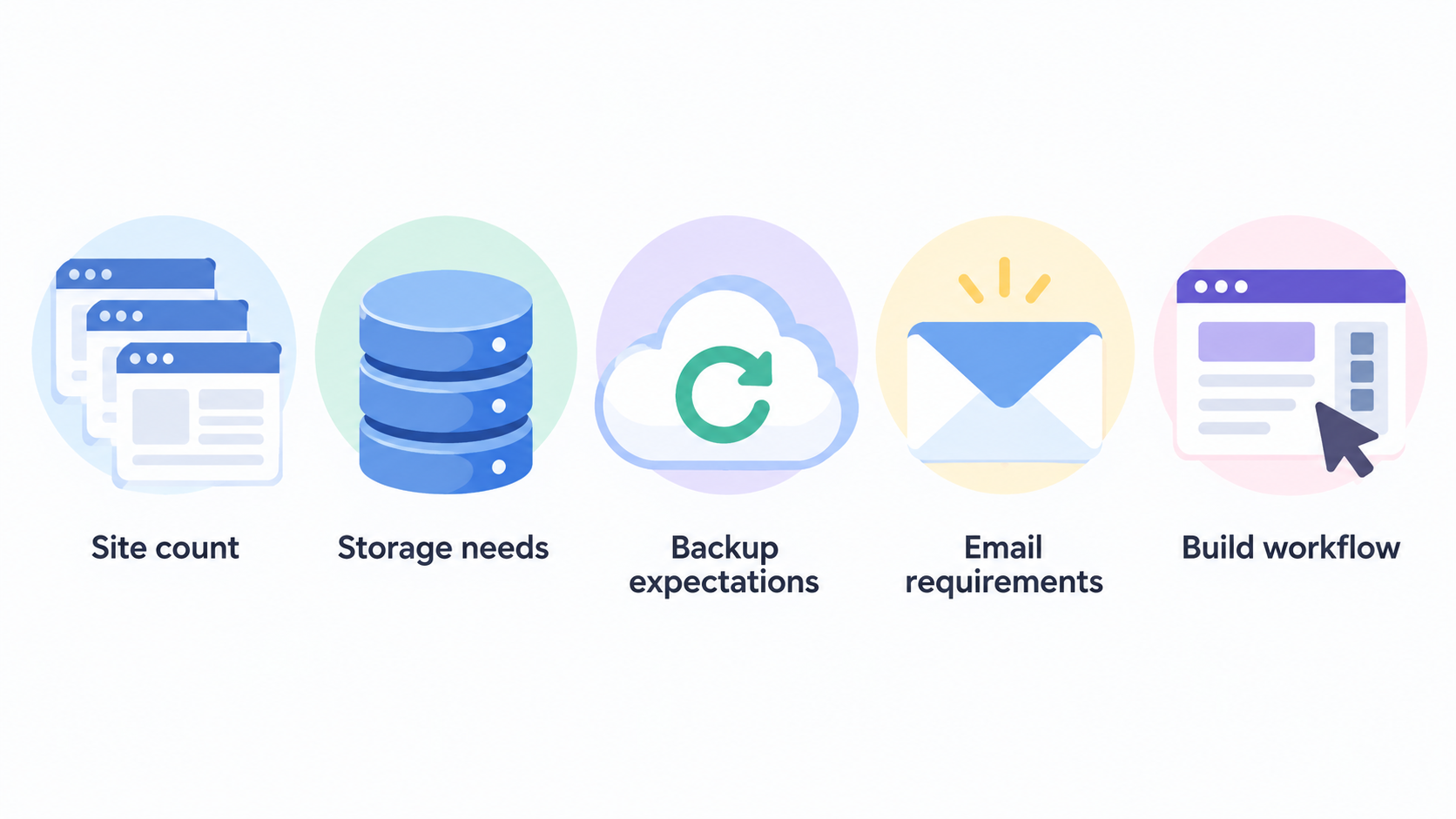
The better choice depends on your current site count, storage needs, backup expectations, email requirements and preferred build workflow. Before buying, compare the exact checkout term, introductory offer, renewal cost and included services for the specific plan—not just the headline price.
DreamHost and Hostinger at a Glance
AI-generated illustration — not a retailer product photo.
This comparison focuses on published shared web-hosting-style plans for small-business websites: brochure sites, portfolios and modest online stores. It does not treat either host as automatically better for every workload, nor does it make a fresh performance or support guarantee.
DreamHost presents Web Hosting Launch, Growth and Scale tiers with increasing published allowances for websites, monthly visits, NVMe SSD storage and mailboxes. Hostinger presents Premium, Unlimited and Cloud Startup options, alongside several building paths and bundled services that vary by plan.
An independent TechRadar comparison reports purchasing plans from both providers and building a WordPress/WooCommerce site on each. That is useful context, but your own result will still depend on the plan, site configuration, plugins, visitors and term you choose.
Plans and Included Features
DreamHost’s published Web Hosting tiers provide a clear feature baseline. Launch lists 25 websites, 25 GB NVMe SSD storage, 40,000 monthly visits, daily automated backups, unmetered bandwidth, unlimited free SSL certificates, 20 mailboxes free for three months and a free domain for one year. Growth raises the published allowances to 50 websites, 50 GB storage, 200,000 monthly visits and 40 mailboxes; Scale lists 100 websites, 100 GB storage, 400,000 monthly visits and 60 mailboxes.
Hostinger’s published Premium plan lists three websites, 20 GB SSD storage, weekly backups, CDN, integrated ecommerce, a free domain for one year and two mailboxes per website free for one year. Its Unlimited plan lists unlimited websites and mailboxes, 50 GB NVMe storage, daily backups with easy restore, CDN, integrated ecommerce and AI tools. Cloud Startup lists unlimited websites, 100 GB NVMe storage, daily and on-demand backups, CDN and the same broad build paths.
These are published plan descriptions, not promises that every feature will apply in every location or term. DreamHost states that the full term plus taxes are charged at checkout, while Hostinger’s displayed offer is tied to a 48-month plan. Check the live checkout screen for the plan and billing period you intend to buy.
Where DreamHost May Be a Stronger Fit
DreamHost may align well with a business that wants published capacity bands to guide growth. The current Launch, Growth and Scale pages state progressively higher website, visit, storage and mailbox allowances, while each tier lists daily automated backups, unmetered bandwidth and unlimited free SSL certificates.
That structure can be helpful if you expect to begin with a small collection of sites and later need a higher stated allowance without changing hosting provider. A business that values daily automated backups as a published inclusion may also prefer to examine DreamHost’s range closely.
For a simple first site, the Launch tier’s stated 25-website allowance may already exceed what is needed. The important question is not whether that number sounds generous; it is whether the storage, mailbox duration, domain offer and visit allowance fit your actual requirements and checkout term.
DreamHost Limitations to Consider
DreamHost’s feature list should be read tier by tier. The available evidence describes defined allowances for websites, storage, monthly visits and mailboxes rather than an unlimited-capacity proposition. A site approaching those stated limits should assess the next tier before committing.
Also check the commercial details that are easy to miss in a plan comparison. DreamHost says the full term plus taxes are charged at checkout, and its displayed free mailbox period is three months. Confirm the renewal price, billing length, email needs and any service conditions directly in the purchase flow.
Finally, make sure the hosting workflow suits you. The supplied evidence supports published plan features, but it does not establish that DreamHost’s tools, support experience or performance will be the right fit for every team or application.
Where Hostinger May Be a Stronger Fit
Hostinger may be attractive when a small team wants several build options in one published package. Its web-hosting page lists WordPress, a drag-and-drop website builder, Node.js and Vibe coding across the shown plans, alongside free domain, email and SSL language.
Its Unlimited and Cloud Startup plans may be worth examining for teams managing more than one site. Both list unlimited websites and mailboxes, 50 GB or 100 GB NVMe storage respectively, daily backups and CDN inclusion. Cloud Startup additionally lists daily and on-demand backups.
Hostinger’s published ecommerce, AI-tool and AI email-marketing inclusions may also be relevant to a business that wants bundled tools rather than a hosting-only starting point. Treat those inclusions as selection criteria, though: a bundled feature is useful only if it matches the way your team intends to build, sell and communicate.
Hostinger Limitations to Consider
Hostinger’s published allowances vary substantially by tier. Premium lists three websites, 20 GB SSD storage and weekly backups, whereas the shown Unlimited and Cloud Startup plans list different storage and backup arrangements. Do not assume a feature shown on a higher tier is included in the entry plan.
The displayed promotional context also matters. Hostinger’s evidence excerpt presents Premium under a 48-month-plan offer, so compare the total initial charge, renewal price and term length at checkout before using the headline discount in a budget.
Check whether the bundle is relevant to your needs. If you will not use the builder, Node.js, ecommerce, CDN, AI tools or included mailbox arrangement, a richer plan may add less practical value than its feature list suggests. The supplied evidence does not justify broader claims about support, speed or reliability differences.
Side-by-Side Decision Matrix
AI-generated generic editorial illustration — not a retailer product photo and does not depict the reviewed product or service. Give readers a neutral visual checklist for translating plan differences into a hosting choice.
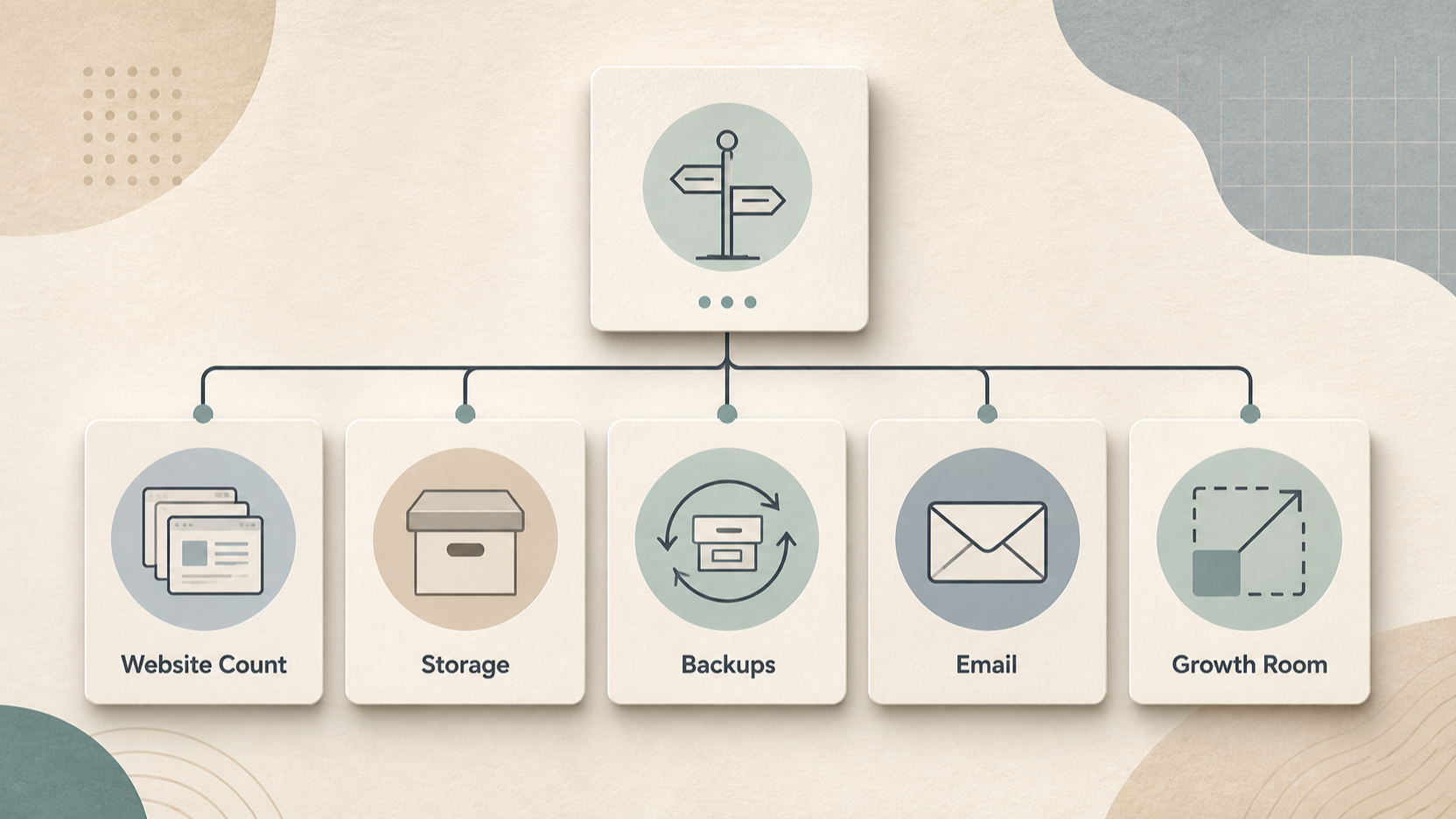 Use the following questions to turn plan pages into an operational decision.
| Decision area | DreamHost: published baseline | Hostinger: published baseline | What to verify |
|---|---|---|---|
| Website count | Launch, Growth and Scale list 25, 50 and 100 websites. | Premium lists three websites; Unlimited and Cloud Startup list unlimited websites. | Count current sites, planned landing pages and client projects. |
| Storage | 25 GB, 50 GB and 100 GB NVMe SSD by shown tier. | 20 GB SSD on Premium; 50 GB and 100 GB NVMe on higher shown plans. | Measure media, backups and expected file growth. |
| Backups | Daily automated backups are listed on all shown tiers. | Weekly on Premium; daily on Unlimited; daily and on-demand on Cloud Startup. | Decide how often content changes and how quickly you need to restore it. |
| Email and domain | A free domain for one year and time-limited free mailboxes are listed. | A free domain for one year and mailbox offers are listed, varying by shown plan. | Confirm mailbox count, duration, renewal and any existing email migration needs. |
| Build path | Published plans include a handcrafted starter website. | The page lists builder, WordPress, Node.js and Vibe coding options. | Choose the workflow your team can maintain. |
| Store and bundled tools | Evaluate the tier terms for your chosen setup. | The shown plans list integrated ecommerce; higher plans also list AI tools and CDN. | Confirm which tools you will genuinely use. |
The matrix is a planning tool, not a performance ranking. Published specifications should be separated from independently tested observations and from items that can change in checkout, especially price, term and promotional conditions.
How to Choose Between Them
Start with an inventory: how many sites will you host, how much storage do your files need, how often does your content change and how many mailboxes do you require? Then compare the lowest plan that genuinely covers those needs with the next tier up.
Next, choose your build path. A WordPress-led workflow may place different weight on the available tools than a team planning to use a drag-and-drop builder, Node.js or integrated ecommerce. If regular recovery points matter, compare the stated backup cadence and restore options rather than assuming all backups work the same way.
Before payment, verify the live checkout total, billing term, taxes, renewal price, domain conditions, email duration, migration requirements and compatibility with your current site. Save the plan details you relied on; hosting pages and promotions can change.
Alternatives to Consider
A DreamHost-versus-Hostinger choice is not always the right framing. Consider managed WordPress hosting if you want a service designed around a WordPress-specific operating model. Consider cloud hosting when your application needs more configurable resources or deployment control than entry-level shared hosting is designed to provide.
For a store with specialised commerce requirements, an ecommerce-focused platform may be more appropriate than adapting a general hosting plan. The aim is to match the hosting category to the operational workload, not to force a binary decision between two providers.
Frequently Asked Questions
Is DreamHost or Hostinger better for a first small-business website?
Either can fit a first small-business website. DreamHost may appeal if its published Launch-tier capacity, daily automated backups and tier progression match your needs. Hostinger may appeal if you want the listed builder, WordPress, Node.js or bundled-tool routes. Compare the exact current plan and term before deciding.
Which provider is more suitable for a modest online store?
Start with your store workflow rather than a broad provider label. Hostinger’s shown plans list integrated ecommerce, while TechRadar describes independently building a WordPress/WooCommerce site on both providers. Confirm that your chosen plan supports the site-building path, storage, backup cadence, email setup and checkout conditions your store requires.
What should I check about promotional pricing and renewals before buying?
Check the full initial payment, billing length, taxes, renewal price, free-domain conditions, included-email duration and feature limits. DreamHost states that the full term plus taxes are charged at checkout, and Hostinger’s excerpt displays an offer tied to a 48-month plan. The live checkout page is the final source for the offer you can buy.
Sources
Related reading
- Best web hosting for small business websites: evidence-led choices
- Hostinger web hosting review for small businesses: strengths, limits, and fit
- DreamHost web hosting review for small businesses: strengths, trade-offs, and fit
- How to choose web hosting for a small-business website
Editorial information: About our editorial team · Read our editorial policy · Read our affiliate disclosure.