AI-generated illustration — not a retailer product photo.
Choosing web hosting is less about finding a supposedly “best” provider and more about making sure a plan supports the website, team, and budget you actually have. Start with the site’s purpose, then compare the included features and the terms that govern them. Before buying, confirm the details in the provider’s current plan documentation.
Start with your website’s real needs
AI-generated illustration — not a retailer product photo.
Begin with the work your website must do. A brochure site for a local service business usually needs a dependable place for a few pages, contact forms, images, and a professional email address. A portfolio may need more image storage and an easy way to update pages. A modest online shop adds product pages, customer data, order-related emails, and a greater need for recovery planning.
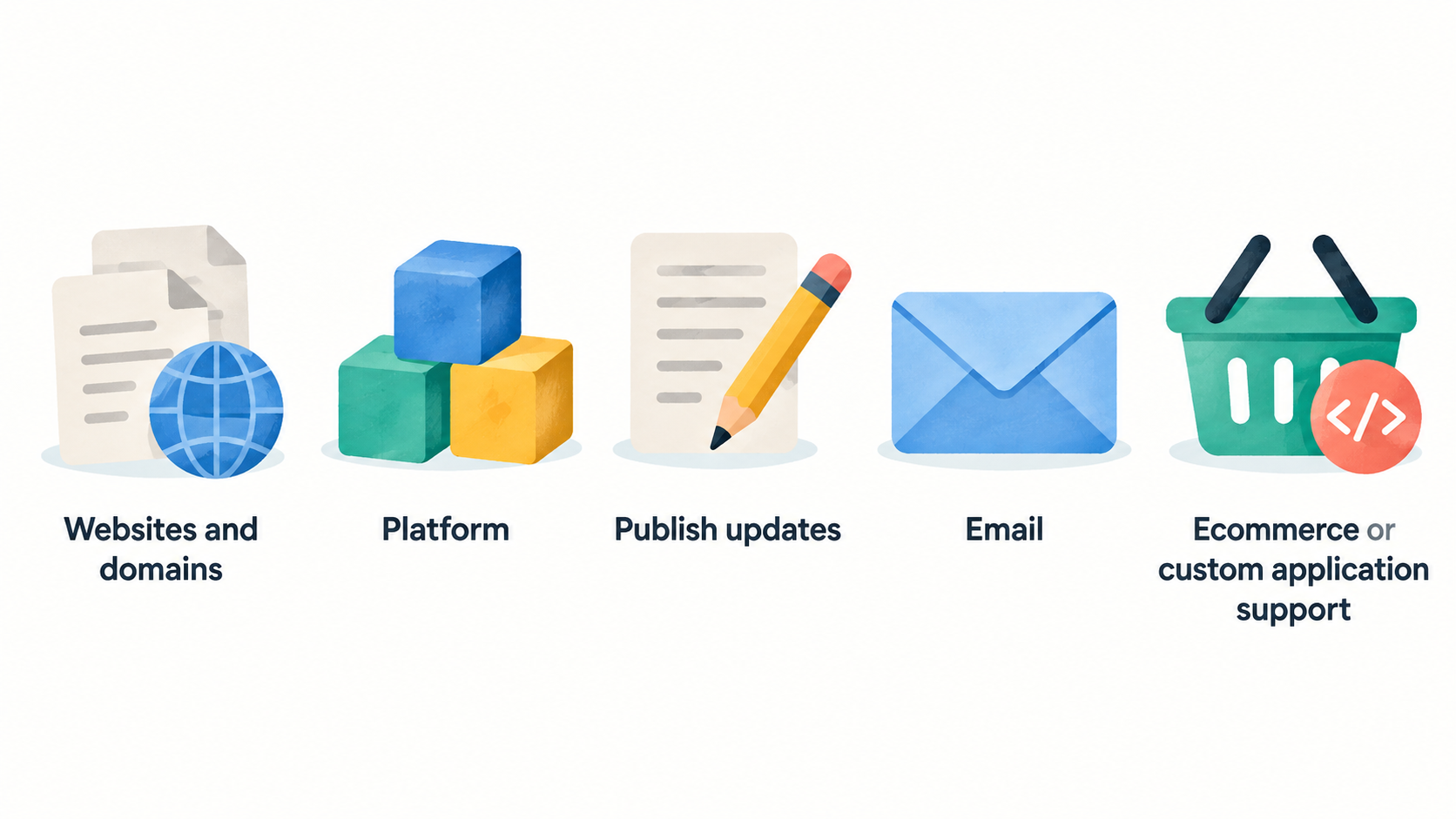
Write down the essentials before comparing prices: the number of websites and domains you will run, the platform you intend to use, who will publish updates, and whether the site needs email, ecommerce, or custom application support. Also consider what happens if the site is unavailable or a change goes wrong. A business that relies on enquiries or online orders should treat backups, access control, and support as operating requirements, not optional extras.
Be realistic about your team’s capacity. A freelancer comfortable with WordPress administration may value flexibility. A lean team with no technical owner may prefer a more guided setup and clearer support route. Use a website planning checklist to turn these needs into a short comparison list before looking at promotional offers.
Compare the essentials included with each plan
AI-generated illustration — not a retailer product photo.
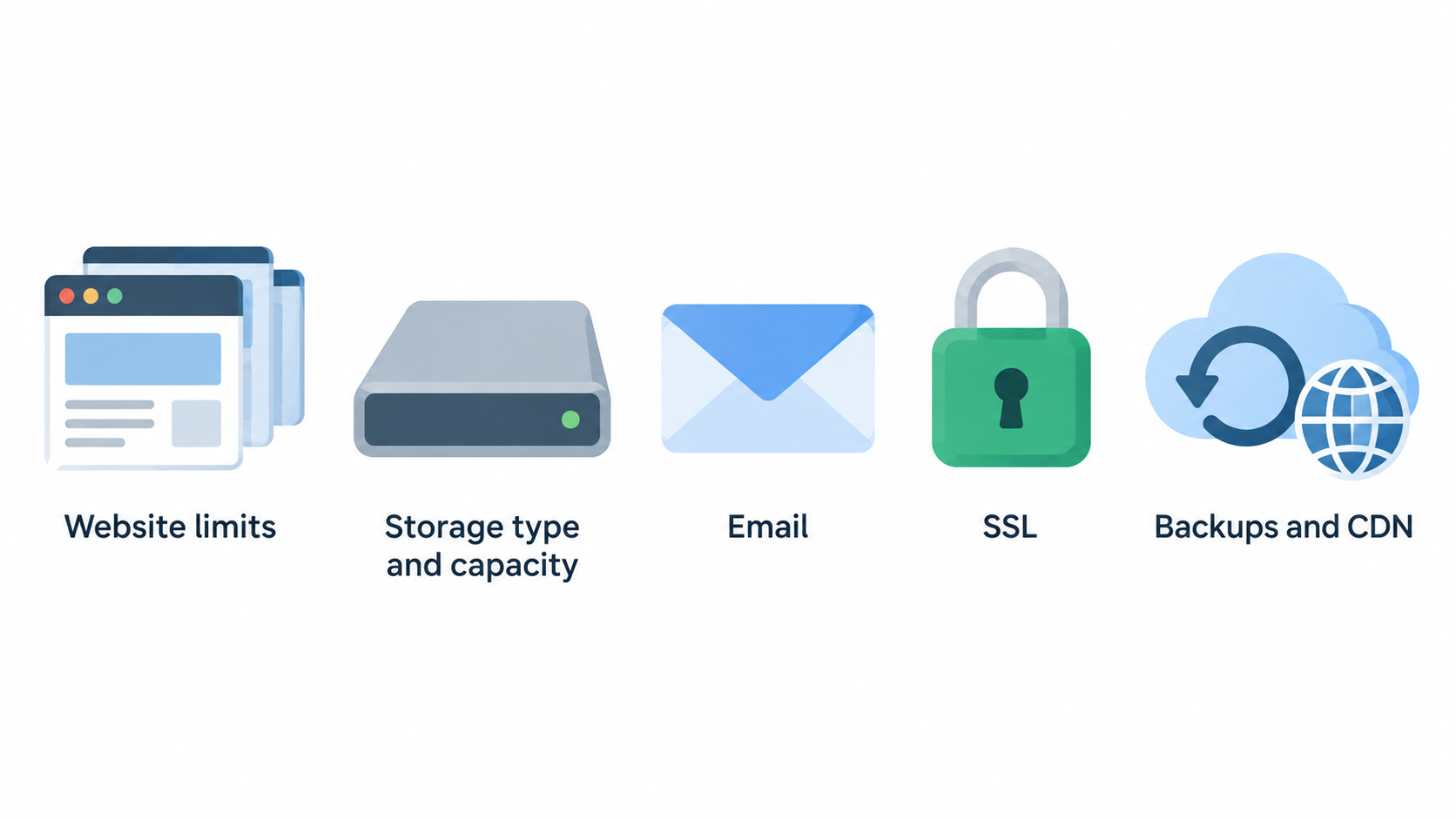
Compare each plan line by line rather than relying on the plan name. Start with website limits and storage: these affect whether the plan fits one small site, several client sites, or a growing catalogue of media and products. Then check which storage type and capacity are documented, and whether the allowance matches the content you expect to keep online.
Email, SSL, backups, and a CDN can materially affect the first-year setup. Hostinger’s current web-hosting page, for example, lists different website counts, storage capacities, backup schedules, mailbox allowances, and CDN availability across its featured plans. It also says the free domain and email benefits are for one year on the shown plans. SiteGround’s web-hosting page similarly presents plan-specific website and storage limits, while listing SSL, CDN, backups, email, and migration-related services among plan features. Hostinger web hosting plans and SiteGround web hosting plans are useful examples of why the detail matters.
Check whether the tools you need are actually included at the level you are buying. For instance, a site built on WordPress may need managed updates or migration assistance; a coded site may need an environment that supports its application stack. Hostinger’s plan page lists WordPress and Node.js among its build options, alongside a website builder and AI tools. That does not make every option equally suitable for every project, but it gives you a specific item to verify against your build plan.
Finally, check how security and recovery features work in practice. “Backups included” is not the same as knowing their frequency, retention, restoration process, or whether an on-demand copy is available. Pair this comparison with small-business website security basics and a business email and domain guide so the hosting purchase supports the whole site setup.
Choose a hosting approach that fits your team
AI-generated illustration — not a retailer product photo.
Shared hosting can be a practical starting point for a straightforward brochure site, portfolio, or early-stage shop when the plan’s limits match your needs. The trade-off is that your available resources and configuration choices are defined by the service tier, so it is important to understand the published limits before your site depends on them.
Managed WordPress-oriented hosting may suit a team that wants WordPress-specific help, managed updates, migration tools, or a clearer operating path. SiteGround’s published plans, for example, list WordPress services such as managed autoupdates, WP-CLI and SSH, with some features varying by plan. Confirm which of those functions are included in the specific tier and term you are considering.
Cloud-oriented or higher-resource plans can make sense when a site needs more capacity, flexibility, or headroom than an introductory shared tier. Hostinger labels its Cloud Startup plan for agencies or higher-traffic projects and lists a different storage and backup set from its entry plan. Treat that as a reason to compare the documented resource model—not as a performance promise for your own site.
Choose the approach that leaves your team able to maintain the website. If no one can troubleshoot a complex setup, simpler administration and responsive support may be more valuable than extra configuration options. If you have a developer, confirm compatibility with the intended platform before purchase. See the WordPress hosting guide for a focused comparison when WordPress is central to the decision.
Check the limits behind introductory offers
A low introductory price can be useful, but it should not be the deciding figure. Check the billing term, renewal price, taxes where applicable, cancellation conditions, and the scope of any money-back guarantee. The current Hostinger and SiteGround plan pages both show promotional framing and term-related information, which is a reminder to read the purchase screen and terms for the exact offer available to you.
Look closely at benefit durations. A free domain or mailbox can reduce initial setup costs, but the duration and renewal treatment may differ from the hosting term. Hostinger’s featured plans state that their listed free domain and email benefits apply for one year. Record when these items renew and who will be responsible for keeping the domain registration, email, and hosting accounts active.
Resource limits deserve the same attention. Check the number of sites, storage allowance, backup cadence, mailboxes, staging or restoration options, and any ecommerce or application requirements. SiteGround’s displayed plans distinguish between one and unlimited websites, different storage capacities, and selected higher-tier functions such as on-demand backups. Those distinctions can matter more than a broad “small business” label.
Make a short total-cost view for the first term and the next renewal period. Include hosting, domain, email, migration help if needed, paid backup upgrades, and any tools that are not covered. The hosting costs explained guide can help you keep the comparison commercial as well as technical.
Verify support, security, and migration options
Provider documentation is a starting point for verification, not a substitute for your own requirements. Before paying, find the support channels, hours, escalation route, and any limitations that apply to your plan. Hostinger advertises 24/7 support on its web-hosting page, while SiteGround describes 24/7 expert human support. Confirm the support route available to your account and keep a copy of the relevant plan information.
Ask how migration will be handled if you already have a website. SiteGround lists free website transfer and WordPress migration-related services on its web-hosting page, but the appropriate process will depend on your current platform, email setup, database, and DNS records. Establish who will make the change, what will be copied, how long the transition is expected to take, and how you will test the live site afterwards.
Review recovery and security controls in operational terms. Confirm backup frequency, restoration steps, login protection, SSL coverage, update responsibilities, and who has account access. SiteGround lists daily backups, SSL, CDN, and enhanced security features; Hostinger lists security, backups, and support as part of its service positioning. Verify the precise scope at checkout and document the settings you enable after launch.
Use a website backup and recovery guide and moving a small-business website guide to prepare the checks before your migration window.
Use a simple buying and launch checklist
Use this sequence to reduce surprises:
- Define the site type, expected content, platform, email needs, and the person responsible for maintenance.
- Compare the exact plan pages for website limits, storage, backups, SSL, email, CDN, ecommerce, and migration support.
- Read the checkout details for term length, introductory price, renewal price, included-benefit duration, taxes, and cancellation conditions.
- Register the domain and hosting account in a business-controlled email address, with more than one authorised owner where appropriate.
- Before switching DNS, create a backup of the existing site and record current email, domain, and login settings.
- Build or migrate the site, then test key pages, forms, email delivery, checkout where relevant, and mobile display.
- After launch, confirm backups, renewal reminders, account access, and a simple update process.
This checklist is deliberately provider-agnostic. It helps you use plan documentation to make an informed choice while leaving room for the specific needs of your business. Keep the website launch checklist alongside your notes so launch tasks do not get lost after purchase.
Frequently Asked Questions
How much web hosting does a small-business website need?
Choose capacity based on your actual site: the number of websites, media volume, platform, email needs, and whether you run ecommerce or a custom application. A small brochure site may need far less than a catalogue-heavy shop or a multi-site portfolio. Compare the plan’s documented website count and storage allowance with your expected use, then leave reasonable room for growth rather than buying capacity you cannot explain.
Should a small business choose shared hosting or managed WordPress hosting?
Choose shared hosting when its documented limits and administration model match a straightforward site and your team can manage the required tasks. Consider a managed WordPress-focused option when WordPress-specific tools, updates, migration support, or guided administration are important to your team. Neither model is universally better; confirm the exact features, responsibilities, and support included in the tier you are considering.
Are a free domain, email, and SSL certificate enough to choose a host?
No. These can be useful inclusions, but they are only part of the decision. Check their duration, renewal treatment, account ownership, website and storage limits, backup scope, support, migration process, and the total cost beyond the introductory term. Hostinger’s displayed plans, for example, state one-year availability for the shown free domain and email benefits, so the ongoing arrangement still needs planning.
What should I check before moving an existing website to a new host?
Confirm who owns the domain and DNS, back up the site and database, map email accounts and forwarding, clarify the migration scope, and plan a test before changing live records. Verify the provider’s current migration and support documentation for your plan, then check critical pages, contact forms, transactions, and email after the move. A web-hosting glossary can help when comparing the terms used in migration instructions.
Sources
Related reading
- Best web hosting for small business websites: evidence-led choices
- DreamHost vs Hostinger: which hosting approach fits a small-business website
- Shared hosting vs managed WordPress hosting for a small-business website
- How to evaluate web hosting deals, renewal prices, and genuine value
Editorial information: About our editorial team · Read our editorial policy · Read our affiliate disclosure.