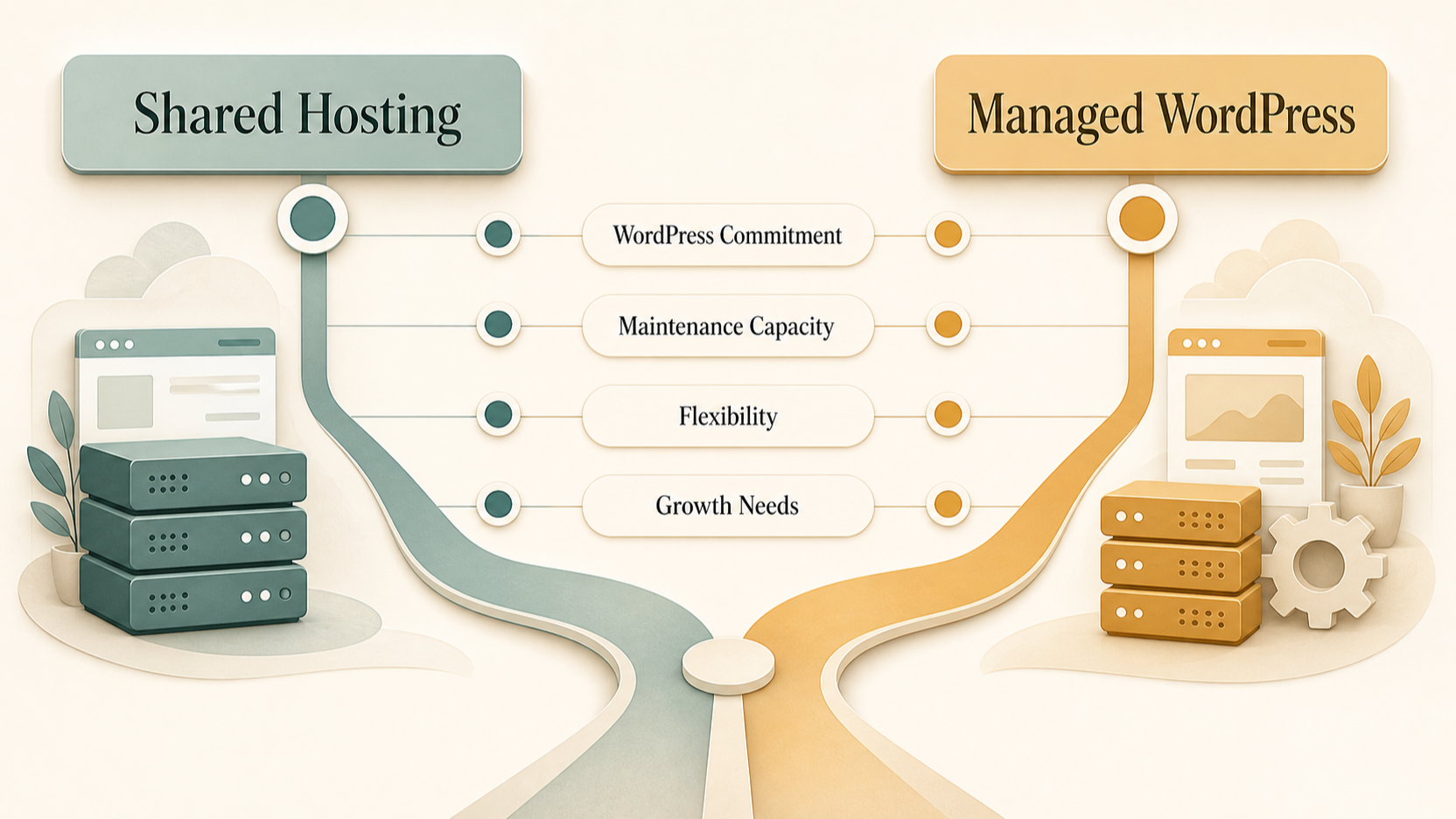
Shared Hosting vs Managed WordPress Hosting: The Small-Business Choice
AI-generated illustration — not a retailer product photo.
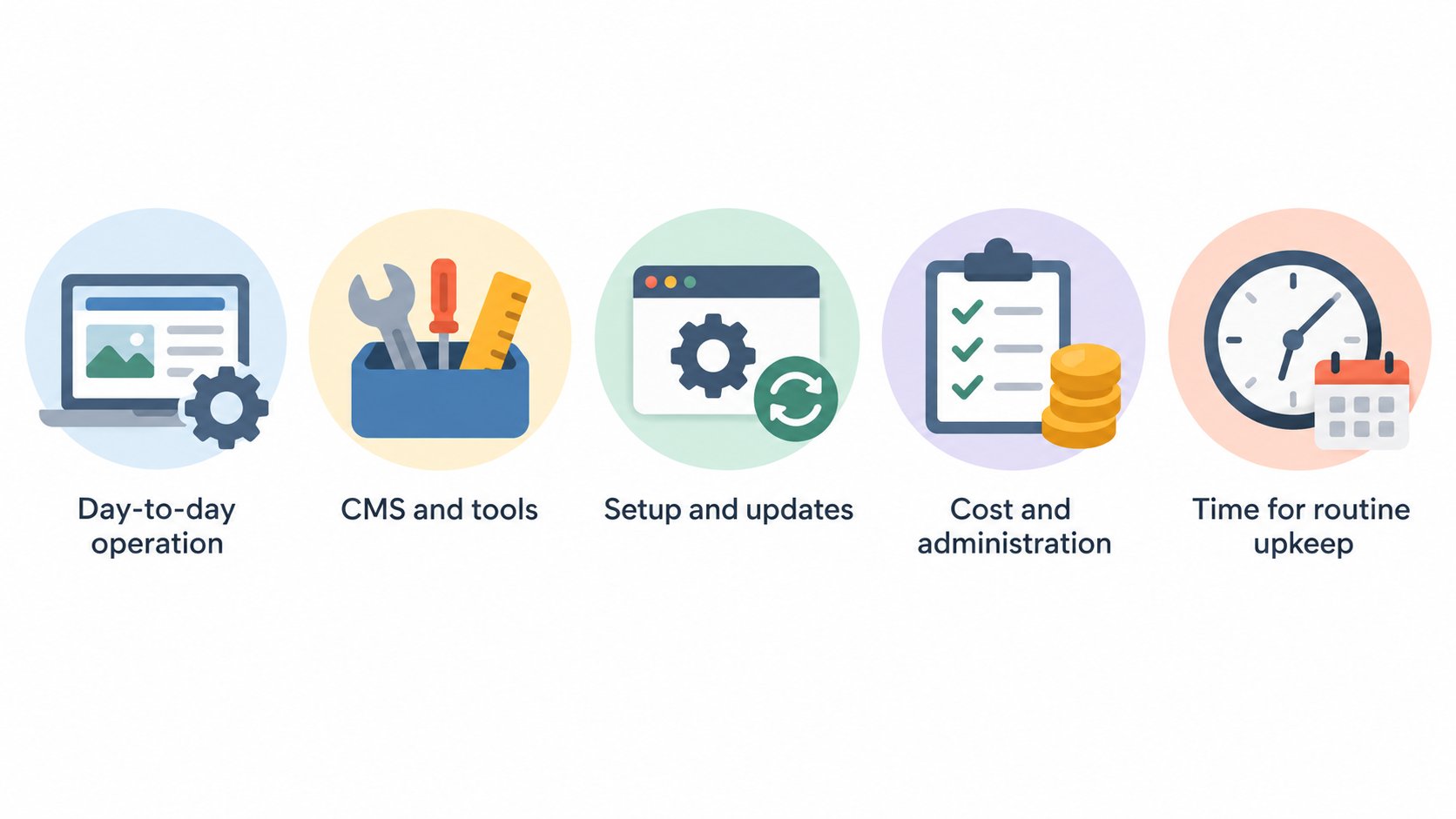
Choosing hosting is less about finding a universal winner and more about deciding how much of the website’s day-to-day operation your business wants to manage. Shared hosting is a general hosting model: it can provide a home for a website while leaving you free to choose the CMS and tools that suit the project. Managed WordPress hosting is more closely shaped around WordPress, often bundling WordPress setup, update tools, migration help and related support features.
For a small brochure site, portfolio or early-stage business, the proportionate option may be the one that keeps cost and administration aligned with what the site actually needs. For a business whose site is firmly built on WordPress and whose team has limited time for routine upkeep, WordPress-oriented management features may be more valuable than broad platform flexibility.
Start with three questions: Is WordPress definitely the long-term platform? Who will own updates, backups and troubleshooting? And does the site have enough complexity—such as a growing catalogue, frequent changes or several collaborators—to justify more specialised tooling? The plan name alone cannot answer those questions. Current plan inclusions, limits and renewal terms matter just as much.
Where Shared Hosting Can Be a Good Fit
AI-generated illustration — not a retailer product photo.
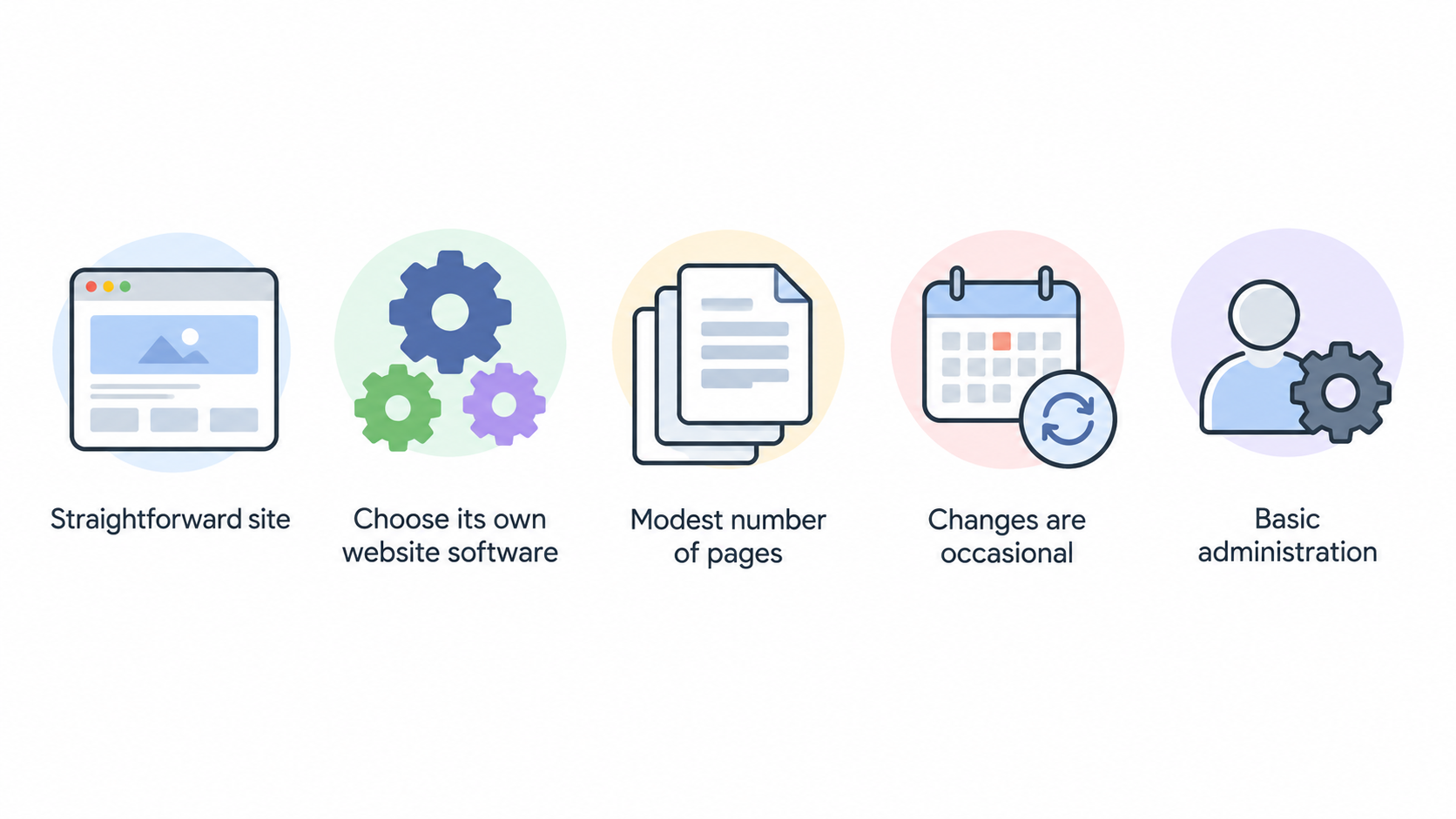
Shared hosting can be a sensible starting point when the site is straightforward and the business wants room to choose its own website software. This may include a simple services site, a personal portfolio, a local-business brochure site or a small project that is still finding its audience. A general shared-hosting plan can support a CMS installation while also leaving open the possibility of using another CMS or a custom-built site later.
The practical attraction is usually proportionality. If the site has a modest number of pages, changes are occasional and one person can handle basic administration, a broad hosting plan may avoid paying for a more specialised setup before it is needed. It can also be useful for teams that have not yet committed to WordPress.
Feature lists still need close reading. For example, SiteGround’s shared-hosting comparison currently lists items such as free CMS installation, email accounts, SSL certificates, CDN, automated daily backups, SSH/SFTP access and—on selected plans—staging and Git. Those examples show why a shared plan should not be assumed to mean “bare-bones”; however, they are provider- and plan-specific rather than promises made by every shared host.
Before choosing this route, check the number of websites permitted, storage, account resources, backup restoration options, support channels and the conditions under which you would need to upgrade. A simple site can be well served by shared hosting, but only if its practical limits match the way the site will be run.
Where Managed WordPress Hosting Can Be a Good Fit
AI-generated illustration — not a retailer product photo.
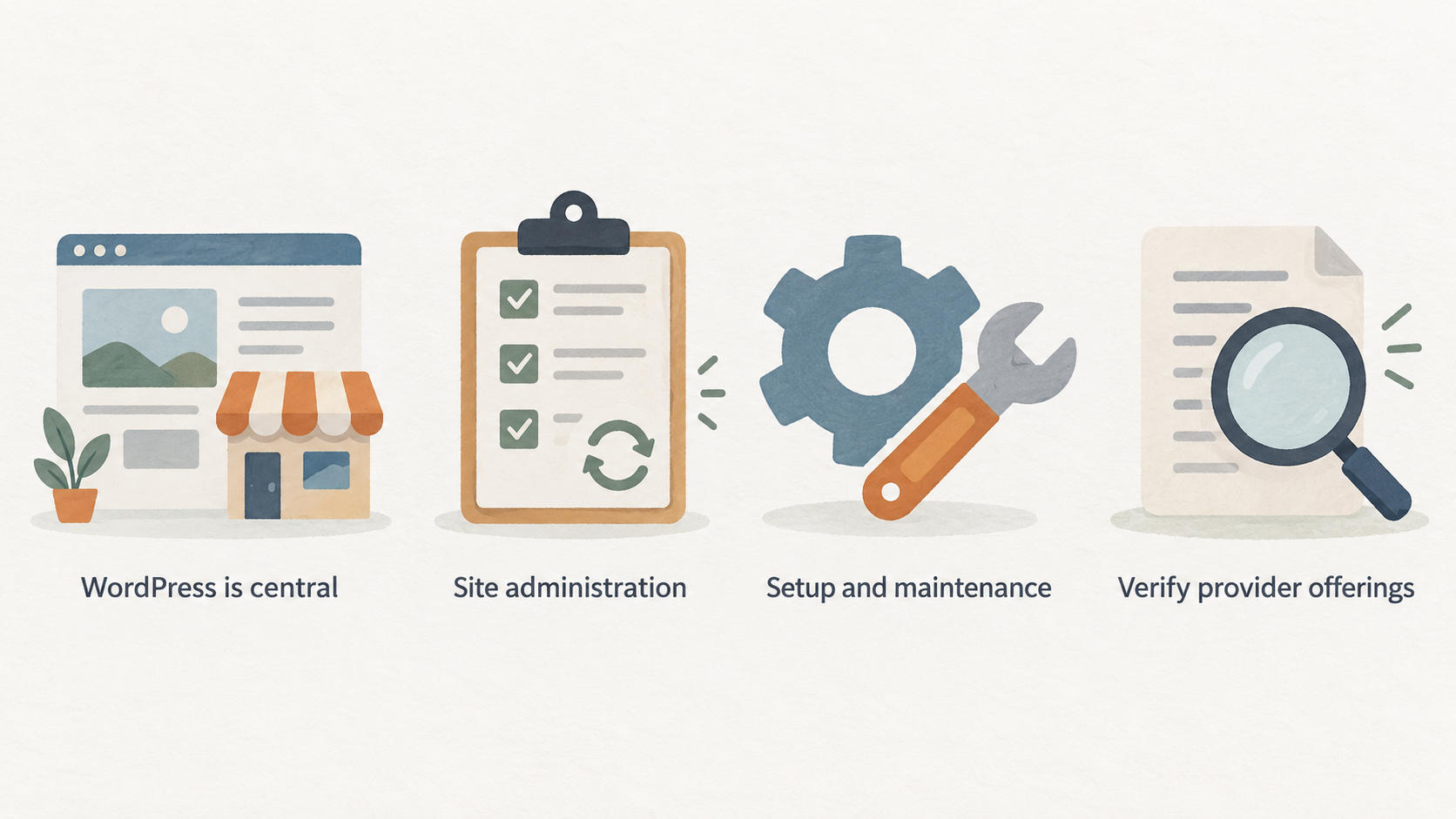
Managed WordPress hosting can make sense when WordPress is central to the business and the team values help with recurring site administration. The appeal is not that WordPress-focused plans automatically make every site faster, safer or more successful. It is that they may bring WordPress-specific setup and maintenance tools into one hosting package, reducing the number of routine tasks the owner must coordinate.
Provider offerings vary, so treat them as examples to verify rather than a universal checklist. SiteGround’s current WordPress-hosting page, for instance, describes one-click setup, WordPress transfers, managed autoupdates, its WordPress optimiser and security plugins, WP-CLI/SSH access, and an AI Agent for WordPress management. Its listed plans also show items such as SSL, CDN, backups and staging at particular tiers. For a WordPress-led business, that combination may be useful when several people need to work on the site, updates are frequent, or a non-specialist owner wants clearer operational support.
A managed WordPress option can be especially worth considering if the business would otherwise need to assemble separate processes for updates, backups, staging and migration. It may also fit a modest online store or content-led site where a reliable update routine matters. But the useful question is not whether “managed” sounds premium. It is whether the specific plan gives the team meaningful help with the responsibilities it actually has.
Ask what is managed, how updates are controlled, whether staging is included, how backup restoration works and what support covers. Those answers are more decision-useful than broad marketing labels.
Trade-Offs to Check Before You Buy
Both models involve trade-offs, and feature grids can conceal important differences. With shared hosting, check how account resources are allocated, whether the plan is suitable for the expected site size, what backups cover and whether support will assist with the CMS or only the hosting environment. A plan with unmetered data transfer may still have defined storage, website-count or account-resource limits.
With managed WordPress hosting, check the platform focus and any plan boundaries. A WordPress-specific package may be less attractive if the business expects to change CMS, needs unusual server-level control, or will rely on software outside the provider’s normal support scope. Features such as on-demand backups or staging can also be tier-dependent; SiteGround’s published comparison, for example, lists some of these capabilities differently across plans.
Renewal pricing deserves separate attention. Introductory prices and renewal prices can differ, and contract length, VAT treatment, add-ons and migration conditions can affect the true first-year and ongoing cost. Do not compare a promotional monthly figure with another plan’s renewal figure as though they were equivalent.
Finally, separate a feature from an outcome. SSL, CDN, backups, caching and security tooling can be useful parts of a hosting setup, but they do not remove the need to configure the site sensibly, keep its software under review and understand the responsibilities retained by the business.
A Practical Decision Matrix for Small-Business Sites
Use the following matrix as a starting point, then validate the shortlisted plan against its current documentation.
| If this sounds like your site | A proportionate starting direction | What to verify first |
|---|---|---|
| A brochure site, portfolio or early-stage service business with a few pages | Shared hosting may fit | Website limit, storage, backup process, CMS installation and upgrade path |
| A WordPress site maintained by a lean, non-technical team | Managed WordPress hosting may fit | Autoupdate controls, migration help, support scope, backup restoration and staging |
| A business still deciding between WordPress and another CMS | Shared hosting may fit | CMS compatibility, developer access, migration options and account limits |
| A WordPress content site with frequent changes or several collaborators | Managed WordPress hosting may fit | Collaborator access, staging, update workflow, backups and plan-tier restrictions |
| A small online store | Either can fit, depending on operations | Store software requirements, backup and recovery process, support access, resource limits and scaling options |
| A site with uncertain growth | Start with the least irreversible suitable option | Upgrade path, migration support, renewal costs and what triggers a plan change |
The matrix is deliberately conditional. A modest store may work on shared hosting if its platform requirements and operating workload are well understood. Equally, a simple WordPress site may benefit from managed tooling if the owner values predictable maintenance support more than broad flexibility.
Provider pages are useful for turning this into a real comparison. SiteGround’s current shared-hosting and WordPress-hosting pages illustrate the kinds of detail to look for: storage allowances, number of sites, backups, support, developer access, managed WordPress tools and renewal pricing. Use those details to compare like with like, rather than assuming that two plans with similar labels deliver the same service.
How to Choose and Set Up the Right Plan
Shortlist one or two plans only after writing down what the site needs today: CMS, number of sites, expected content or products, who will make changes and how much technical time is available each month. Then verify the provider’s current plan page and terms, because features and commercial conditions can change.
Use this pre-purchase checklist:
- Confirm the renewal price, billing period, taxes and any paid add-ons.
- Check how backups are created, retained and restored, and whether on-demand backups cost extra or require a higher tier.
- Establish who approves and applies CMS, theme and plugin updates.
- Check whether staging is included if you expect to make significant changes before publishing.
- Confirm the available support channels and the boundary between hosting support and site-level help.
- Review migration assistance, including the scope, timing and any eligibility conditions.
- Identify which security tasks remain with you, including account access, passwords and website software maintenance.
- Read the upgrade path before you need it: resource limits, migration process and likely cost at the next tier.
For a modest website and budget, a reversible choice is often sensible. Keep control of the domain and maintain an independent record of logins, renewal dates, site files and backup instructions. Once the site is live, test the practical basics: can the right person access the account, can a backup be located, and is there a documented path for updating the site? That small amount of preparation is useful whichever hosting model you choose.
Frequently Asked Questions
Is managed WordPress hosting necessary for a small business?
No. It can be a good fit when the business is committed to WordPress and values provider-led setup or maintenance tooling, but it is not automatically necessary for every small site. A simple site with limited changes may be well served by a shared plan if its resource limits, backup arrangements, support and future upgrade path are suitable. Compare the actual work your team must perform with the specific managed features offered.
Can a small online store use shared hosting?
It can, provided the chosen plan supports the store software and the business has checked its resource limits, backup and recovery process, support arrangements and upgrade options. Store complexity matters more than the label alone. A small catalogue with modest operational needs can differ greatly from a store with frequent stock changes, many collaborators or a growing order workflow. Validate the current provider documentation before committing.
Is it difficult to move from shared hosting to managed WordPress hosting?
Difficulty depends on the site, its WordPress setup and the migration support available under the chosen plans. Some providers advertise WordPress transfer or migration assistance; SiteGround currently lists free site migrations on its WordPress plans. Before relying on any migration offer, confirm eligibility, what is included, expected downtime, DNS responsibilities and how you will verify the site after the move. Keep a current backup and a rollback plan.
Which hosting features matter most before a website launch?
Prioritise the features that reduce operational risk for your particular site: an appropriate site and storage allowance, clear renewal terms, workable backups and restoration, secure account access, a defined update process, support you can reach, migration options and an upgrade path. If WordPress is central to the site, also check how the host handles WordPress setup, updates, staging and developer access. Provider plan pages and current terms should be the source of truth.
Compare your shortlisted plans against the pre-purchase checklist.
Sources
Related reading
- SiteGround web hosting review for small businesses: who it suits and what to verify
- DreamHost web hosting review for small businesses: strengths, trade-offs, and fit
- How to choose web hosting for a small-business website
- How to evaluate web hosting deals, renewal prices, and genuine value
Editorial information: About our editorial team · Read our editorial policy · Read our affiliate disclosure.