AI-generated illustration — not a retailer product photo.
For a small business, choosing web hosting is usually less about finding one universal winner and more about checking whether a provider’s documented tools match the way the site will be run. This guide looks at IONOS through its public web-hosting page and hosting help centre. It does not claim independent speed testing, support testing, or a plan-by-plan comparison.
What IONOS Web Hosting Covers
AI-generated illustration — not a retailer product photo.
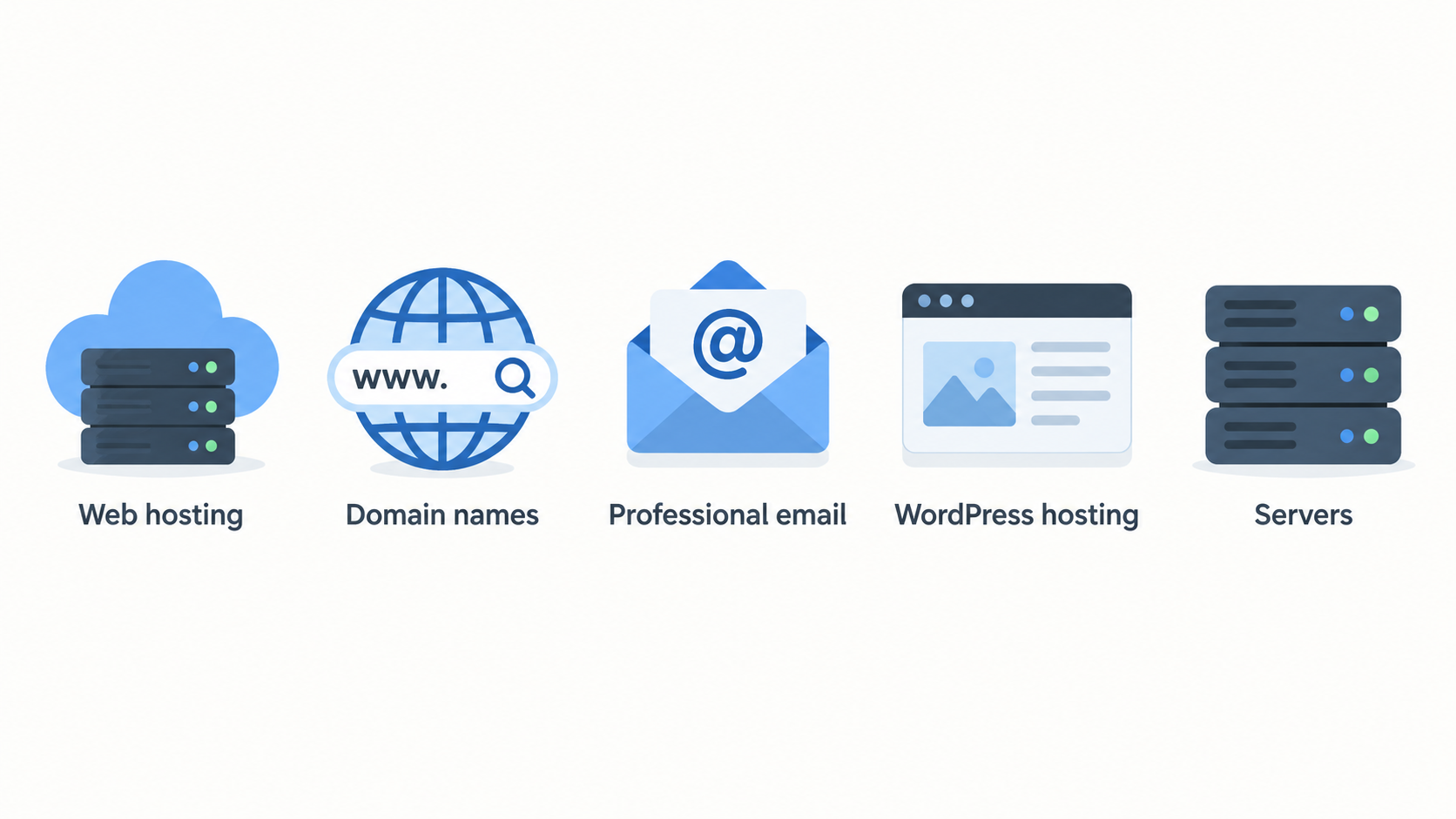
IONOS presents web hosting within a wider set of online-business services. On its public site, the surrounding navigation includes domain names and SSL certificates, professional email and office products, website and eCommerce tools, WordPress hosting, servers, and cloud services. That wider context can be useful for a business that wants to consider how a site, its domain, email, and related services may be organised.
For this review, however, “web hosting” should be kept distinct from every adjacent category. A domain is an online address; email is a separate business communication service; WordPress hosting and server products may have different setup paths, limits, and terms. The presence of those categories on an IONOS page is not evidence that they are included with every web-hosting package.
A sensible starting point is to list what the site actually needs: a domain connection, a content-management system, file access, a database, a business mailbox, or an online shop. Then check the current IONOS plan details and terms for each need. That keeps an initial provider search tied to the business rather than to a broad product label.
For background on the roles these services play, see our web hosting basics guide.
Hosting Tools and Day-to-Day Management
AI-generated illustration — not a retailer product photo.
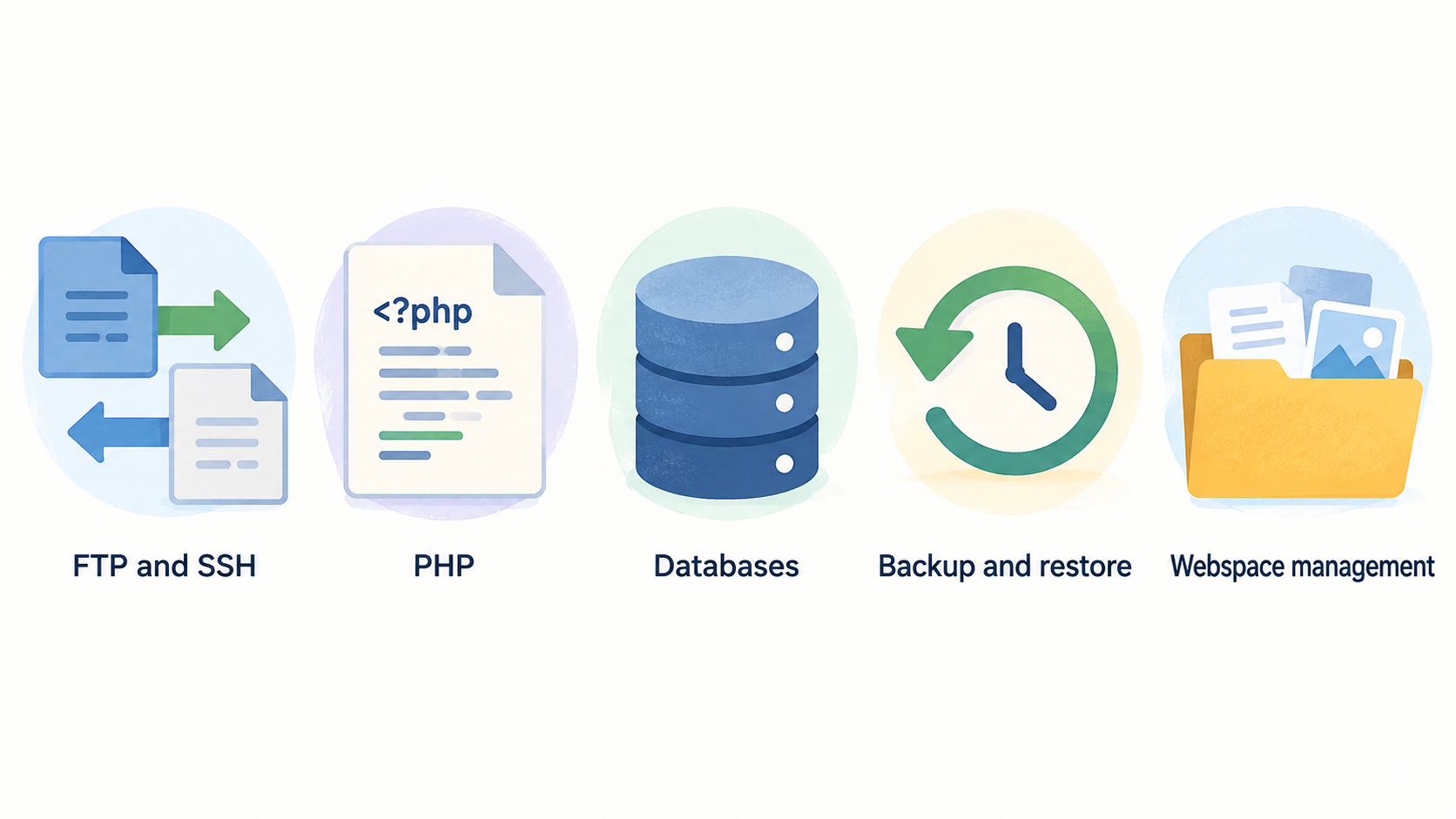
The IONOS hosting help centre documents several administration areas that matter when a website is maintained in-house or by a freelancer. Its hosting introduction refers to uploading files through FTP, changing a PHP version, and creating database users. The help centre also groups material under webspace management, FTP and SSH, PHP, scripting and programming languages, databases, backup and restore, and Click & Build applications.
For a straightforward brochure site, the most relevant questions may be practical ones. Who will upload files or manage access? Does the existing website need a particular PHP version? Is there a database-driven application to move or maintain? What is the process for restoring a deleted or overwritten file? IONOS documentation includes topics on secure FTP and SSH access, PHP version management, MySQL and MariaDB database setup and use for Linux hosting, MSSQL database topics for Windows hosting, and restoring or manually backing up webspace and databases.
These headings point to areas a prospective customer can investigate, not to a verdict that every account has the same controls or that every task will be equally simple. A business should check the documentation that applies to its intended package, operating system, application, and access arrangement. It should also decide whether the person responsible for the site is comfortable with file transfers, database users, backups, and basic troubleshooting.
If those jobs will be shared between a business owner and a developer, write down responsibilities before purchasing. That makes it easier to compare a host’s documented management options with the workflow the team actually needs. Our website maintenance guide covers the routine questions worth assigning in advance.
Support and Documentation
IONOS makes a dedicated hosting help centre available. The supplied help-centre material lists setup, administration, and troubleshooting topics rather than only high-level product descriptions. Examples include webspace management, disk-space management, FTP setup and administration, SSH setup and administration, PHP troubleshooting, database troubleshooting, backups, restoring files, and Click & Build application questions.
That can be valuable for a lean team that prefers to research a task before escalating it. The documentation gives prospective users a way to inspect the kinds of tasks the provider publicly explains: access configuration, dynamic web-content settings, database work, recovery steps, and application management.
Published documentation alone does not show response times, the outcome of an individual support case, or which support route applies to a particular plan. Before signing up, check the current scope of support, service terms, and the relevant help articles for the planned setup. If fast human assistance is central to the business, ask the provider directly about the support arrangement that would apply.
For a wider framework on evaluating help resources, see our small-business hosting support guide.
Limits of This First-Party Review
This review is intentionally narrow. The available evidence is published by IONOS: its public web-hosting presentation and its own hosting help centre. Those sources can show what IONOS presents and which administration subjects it documents. They cannot independently verify real-world speed, uptime outcomes, migration experience, support quality, security outcomes, or suitability for every workload.
They also do not establish that a particular plan includes every feature mentioned across the site, nor do they settle current pricing, renewal costs, resource limits, add-ons, contractual exclusions, or regional availability. Those details can change and should be checked directly on the relevant plan and terms pages before purchase.
Similarly, a list of FTP, SSH, PHP, database, or backup articles is not a hands-on test. It indicates that IONOS publishes guidance in those areas; it does not prove how a particular website will perform or how easy each task will feel to a particular user. Independent testing and current customer research may be useful additions, but neither is represented as evidence in this guide.
Who IONOS Web Hosting May Suit
IONOS may be worth investigating for small businesses, freelancers, and lean teams that need hosting for a brochure website, a portfolio, or a modest online store and want to review documented administration topics before choosing a provider. The official material gives such buyers starting points for webspace access, PHP, databases, backups, and application-related questions.
A brochure site may place the greatest weight on straightforward content publishing, domain and email coordination, and a recovery plan. A portfolio may need similar basics plus a reliable way to update media or hand access to a designer. A modest shop may require closer scrutiny of its application, database, backups, security responsibilities, transaction needs, and support terms. These are fit questions for the buyer to investigate, not claims that one IONOS package is right for each case.
IONOS may be less straightforward to assess from the supplied evidence when a project has unusually high traffic, bespoke infrastructure, a specialist compliance requirement, or a workload needing independently verified performance characteristics. In those cases, gather plan-specific technical information and compare it against the application’s documented requirements.
The useful decision is not “is IONOS good for every small business?” It is “does the current package, documentation, support arrangement, and operating model fit this site?” Our guide to choosing web hosting for a small business can help structure that check.
How to Compare IONOS With Alternatives
AI-generated generic editorial illustration — not a retailer product photo and does not depict the reviewed product or service. Support a neutral, evidence-led provider-comparison checklist.
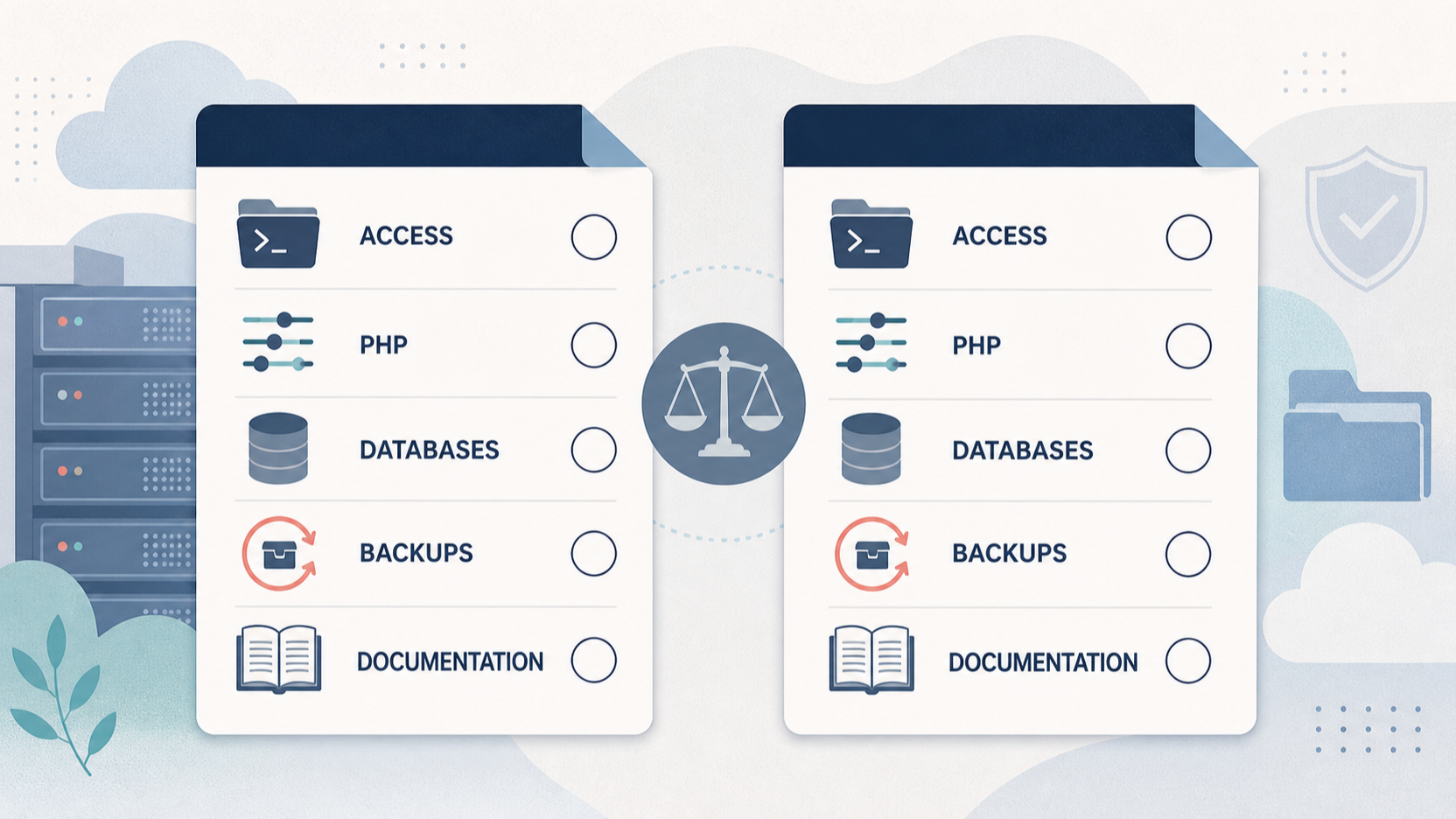 Compare IONOS and alternative hosts against a written checklist. Start with the management tasks the site requires: file uploads, secure FTP or SSH access, PHP settings, database users and administration, backups, restoration, and application installation. IONOS publicly documents topics in each of these broad areas, so its help centre can be one source to review alongside each competitor’s documentation.
Next, compare the details that must be verified directly for the exact plans under consideration: current price and renewal terms, included resources, domain and email arrangements, backup and restore terms, security responsibilities, migration options, cancellation terms, and the applicable scope of support. Do not assume that a feature described somewhere in a help centre is included in every plan.
Finally, match the comparison to the workload. A static brochure site, a portfolio with frequent media updates, and a database-backed shop may prioritise different factors. Ask who will manage the account, who can restore content, and what happens if the site needs technical intervention. This approach avoids treating published feature lists as proof of superior performance or service quality.
Use our web hosting comparison checklist to record the answers consistently before selecting a provider.
Frequently Asked Questions
What hosting-management tasks does IONOS document?
IONOS’s hosting help centre documents subjects including webspace management, FTP and SSH setup and administration, PHP version management and troubleshooting, scripting and programming topics, database setup and troubleshooting, backups, file restoration, and Click & Build applications. Check the help article and package information relevant to the specific setup before relying on a feature.
Can IONOS web hosting be used with PHP and databases?
The supplied IONOS help-centre material includes PHP guidance, including managing PHP versions and using PHP for web projects. It also includes MySQL and MariaDB database information for Linux hosting, plus MSSQL database information for Windows hosting. That confirms documented support topics, not package-specific entitlement; verify the plan and technical requirements before purchase.
What should a small business check before choosing IONOS web hosting?
Check whether the planned package supports the site’s management needs, including file access, PHP, databases, backup and restoration. Then verify current plan pricing and renewal terms, resource limits, support scope, migration needs, security responsibilities, and any application-specific requirements. Compare those answers with alternatives using the same checklist.
For more common buying questions, see our hosting FAQs.
Sources
Related reading
- Best web hosting for small business websites: evidence-led choices
- Hostinger web hosting review for small businesses: strengths, limits, and fit
- How to choose web hosting for a small-business website
- When to buy or switch web hosting without chasing a false saving
Editorial information: About our editorial team · Read our editorial policy · Read our affiliate disclosure.