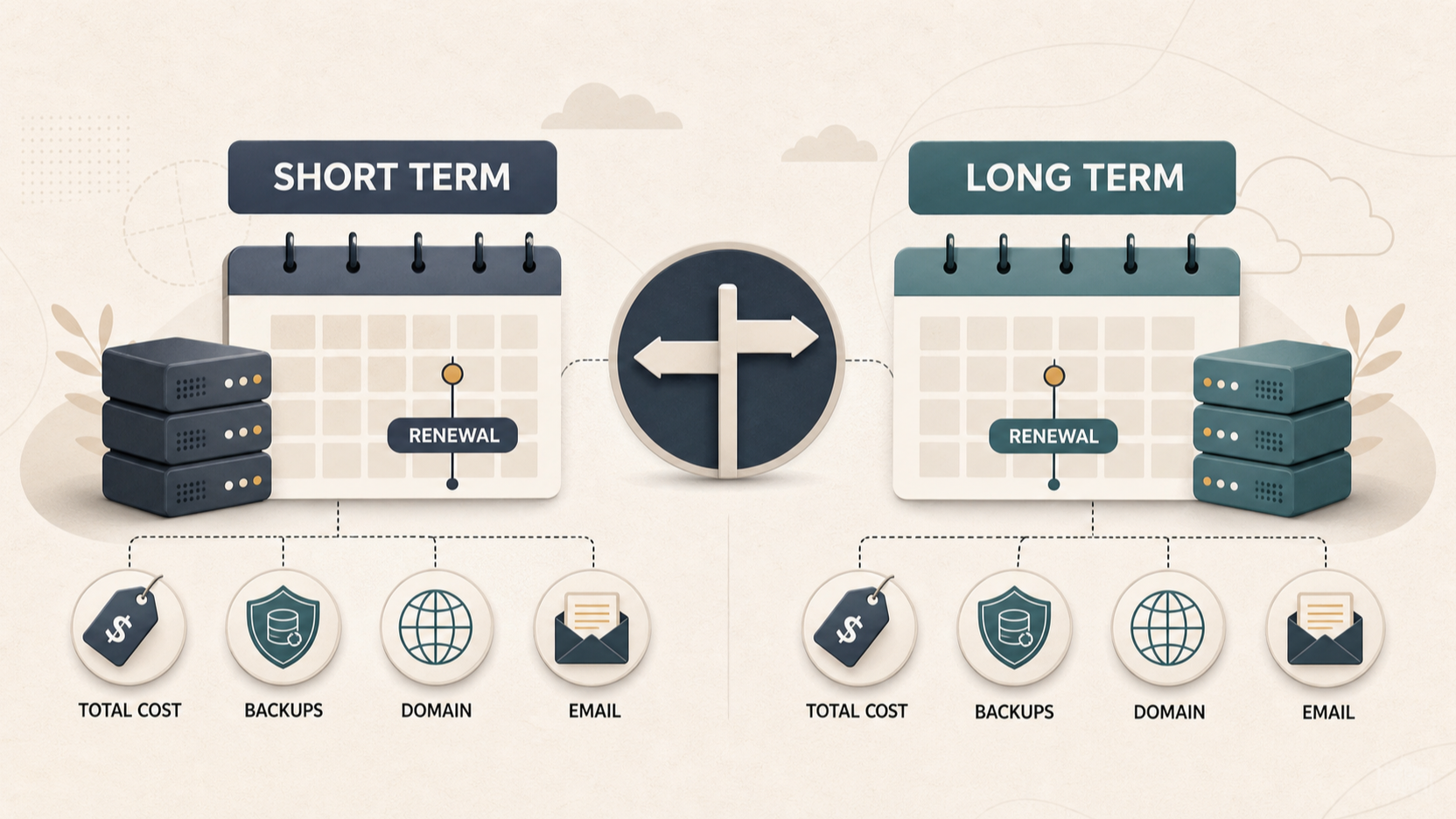
A hosting sale can be useful, but the largest percentage discount is not automatically the lowest-cost choice. A sound decision considers the full commitment, what remains included after purchase, what happens when the term ends, and how much work a move would create for your site.
What Counts as a Real Web Hosting Saving
AI-generated illustration — not a retailer product photo.
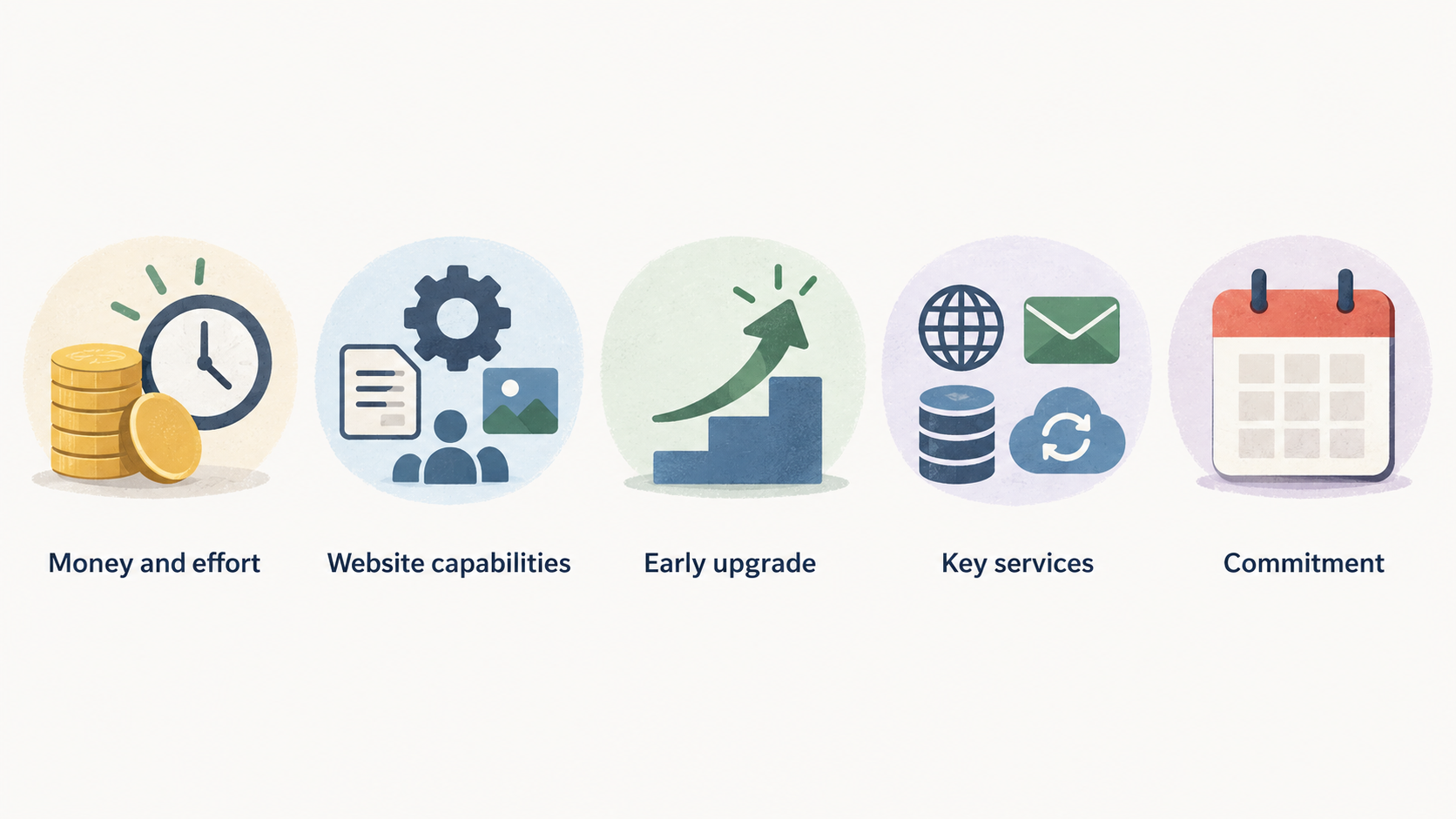
A real saving is money and effort you genuinely avoid while keeping the website capabilities you need. That is different from seeing a low introductory figure and assuming it settles the comparison.
Start with the job the hosting must do. A brochure site, a freelancer portfolio and a modest online shop may all need a domain, email, storage, backups and a way to build or run the site, but their limits and priorities can differ. A plan that is cheap for a first site may become poor value if it forces an early upgrade, leaves key services outside the package, or commits you for longer than the project is likely to remain unchanged.
Official plan pages show why inclusions matter. Hostinger’s supplied pricing disclosure lists plan-dependent website allowances, storage, backup frequency, CDN access and mailbox allocations, while DreamHost’s disclosure lists website, visit, storage, backup and email allowances for its tiers. Those examples are useful as a checklist, not as proof that any one provider is right for every site.
Treat a promotion as an invitation to inspect the complete offer. The best time to buy is when its term, practical inclusions and later renewal exposure suit a website you expect to keep running—not simply when the banner is most dramatic.
Calculate the Cost Across the Commitment
AI-generated illustration — not a retailer product photo.
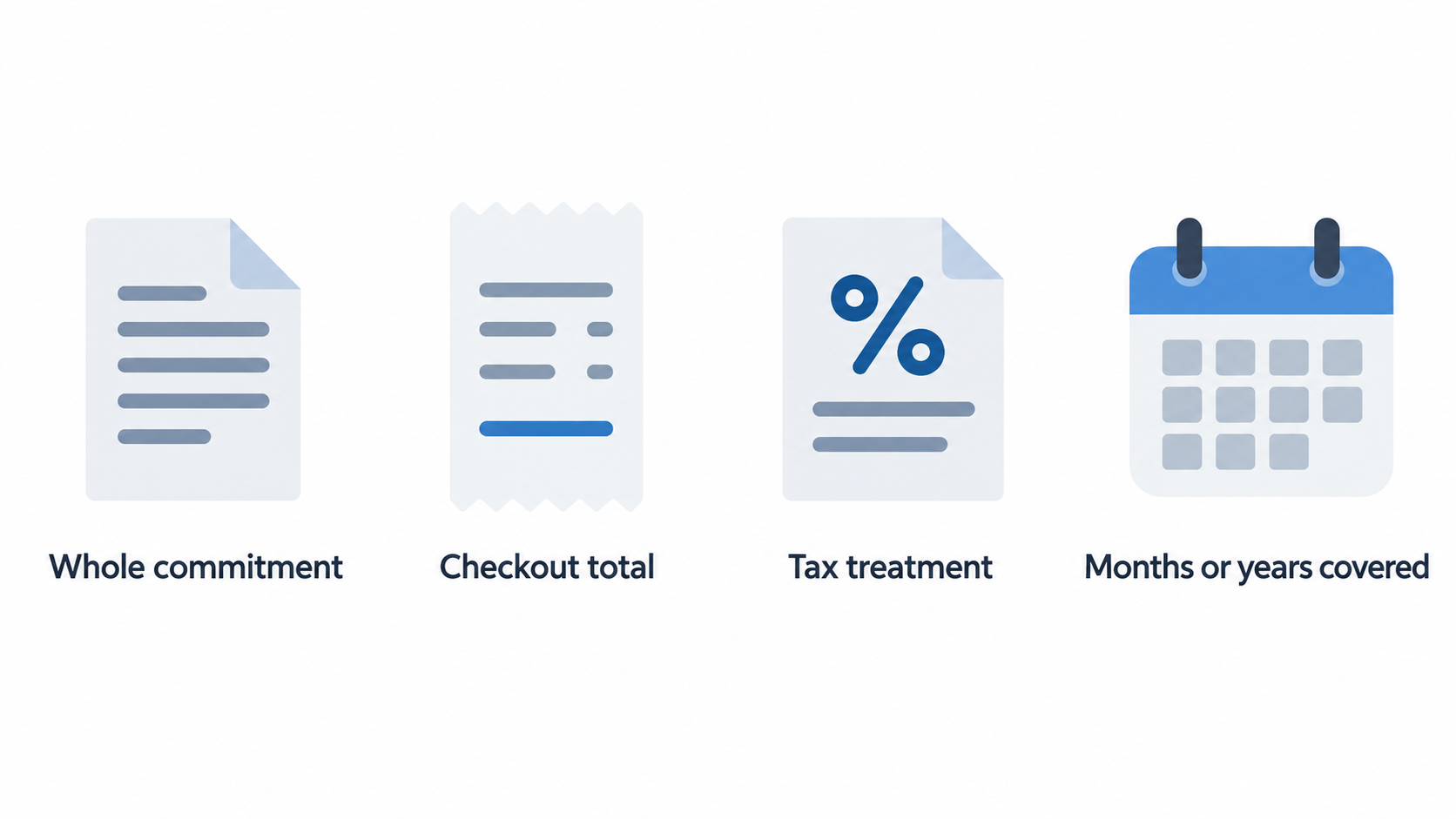
Compare the amount due for the whole commitment, rather than converting a promotional monthly figure into a decision on its own. DreamHost’s supplied page explicitly says that the full term plus taxes are charged at checkout; that is a useful reminder to check the checkout total and tax treatment wherever you buy.
Make a simple comparison sheet with these fields:
- upfront checkout total for the chosen term;
- number of months or years covered;
- domain inclusion and how long it lasts;
- storage, website and email limits;
- backup cadence and restoration options;
- services you would otherwise buy separately; and
- the provider’s current renewal, cancellation and billing terms.
Then add the cost of any required extras. A free domain for one year is valuable only if the domain arrangement works for you after that period. Weekly backups may be sufficient for a low-change portfolio, while a store that changes products or receives orders more often may need a different backup routine. Similarly, a limited mailbox allocation may be fine for one person but not for a small team.
Longer introductory terms can lower the initial rate, but they also concentrate more spending into today’s checkout. They make most sense when you have reasonable confidence that the site, its technical needs and its ownership will remain stable for the whole term. If that confidence is low, a smaller discount on a shorter commitment can be the more economical choice because it preserves the option to change direction.
Do not fill gaps with assumptions. Check whether the price shown is attached to the exact billing length you selected, whether the included services apply to that tier, and what your own likely costs will be when the initial term ends. That turns a sale comparison into a usable budget decision.
Match the Hosting Term to Your Website Stage
AI-generated illustration — not a retailer product photo.
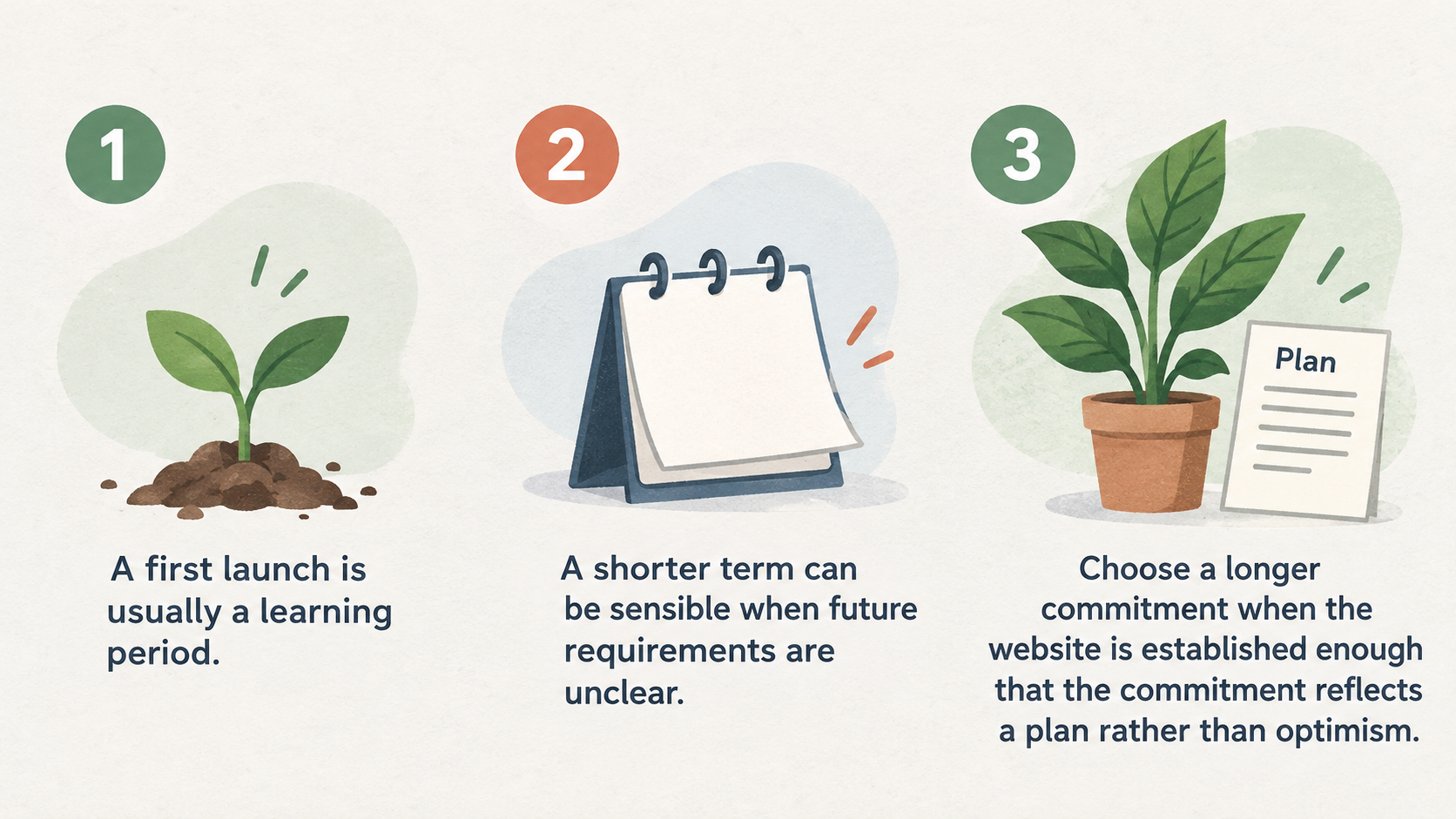
A first launch is usually a learning period. A new freelancer may still be deciding on a site builder, email setup, portfolio structure or the services they want to sell. A small shop may be testing its catalogue, payment workflow and fulfilment process. In either case, a shorter term can be sensible when future requirements are unclear.
Choose a longer commitment when the website is established enough that the commitment reflects a plan rather than optimism. Examples include a business with a stable site stack, a known number of mailboxes, predictable content updates and a clear expectation that the same project will continue through the term. The question is not whether a multi-year deal looks impressive; it is whether you would still choose that same plan after the initial excitement has passed.
Use a middle ground when you are partly certain. You might know the site will continue, but not know whether you will add ecommerce, need more collaborators or move from a simple builder to a custom application. In that situation, compare a shorter plan with a higher tier or longer term only after identifying what would trigger a change.
A promotion should support your timeline, not set it. If the site is not ready to launch, purchasing early can create pressure to use a plan before its benefits are useful. If a current service is nearing renewal and the replacement has been properly checked, buying before that date may be sensible. The timing follows the operating need.
Use Promotions to Compare Included Value
During a promotion, read the plan table as closely as the price. Check the number of websites, storage type and allowance, backup schedule, CDN availability, email allocation, domain duration and the build options you actually intend to use.
The supplied Hostinger pricing page illustrates the kind of variation worth checking. Its Premium disclosure lists three websites, 20 GB SSD storage, weekly backups and two mailboxes per website for one year. Its Unlimited disclosure lists unlimited websites and mailboxes, 50 GB NVMe storage, daily backups with restore, and a domain for one year. The page also lists tools such as a website builder, WordPress and Node.js. These are provider disclosures for the displayed plans, not a universal measure of hosting quality or performance.
DreamHost’s supplied plan disclosure similarly shows tiered differences: its listed plans vary by website allowance, monthly visit allowance, NVMe storage and mailbox count, while daily automated backups and a one-year domain are shown in the supplied excerpt. Comparing this kind of plan detail helps reveal whether an apparent saving includes the capabilities you would otherwise need to source elsewhere.
Avoid paying for a feature merely because it has an appealing label. Ask whether you need it now, whether a stated inclusion lasts for the whole commitment or only a defined period, and whether a limit could change the way your team works. A site with one owner may not need a large mailbox allowance; a business moving existing email may care about it immediately.
Use official plan pages to record what is disclosed on the date you compare. They can show available features and stated limits, but they do not guarantee that a particular migration will be simple or that a plan will produce a particular business outcome.
Count the Cost of a Hosting Switch
A lower introductory rate can be outweighed by a complicated move. Switching may involve copying site files and databases, changing DNS records, coordinating domain registration, recreating mailboxes, checking forms and integrations, and validating the site after the change. Each task has a time cost; some also carry interruption risk if it is missed or performed in the wrong order.
Before cancelling anything, document the current provider’s renewal date, cancellation process, domain registrar, DNS location, email setup, backup availability and any services that are billed separately. This creates a practical rollback reference and prevents the hosting account from being treated as though it contains every part of the website.
Separate advertised migration-related features from your own responsibilities. An official provider page can describe its plans and included services, but that alone does not establish that your site will move without work or that the move will improve results. The more customised the site, email and integrations are, the more useful a written migration checklist becomes.
A switch is more likely to be worthwhile when the replacement resolves a clear, ongoing need: a missing capability, a term that no longer fits, insufficient capacity, or a better-defined package whose total cost remains attractive after migration effort. It may be better to wait when the current service is stable, the renewal is not imminent, and the move has not yet been scoped.
Plan the change around a low-risk window. Keep a verified backup, preserve access to the old account until checks are complete where your contract permits, confirm DNS and email ownership, and test the live site after the change. Saving a little at checkout is not worth an avoidable disruption to enquiries, orders or business email.
A Practical Buy, Wait, or Switch Checklist
Work through this sequence before checkout:
- Define the minimum requirements: number of sites, storage, email, backups, build method and any shop or application needs.
- Compare the full amount due for the term, not just the advertised rate.
- Record which inclusions are limited by plan or time, including domains and mailboxes.
- Read the current renewal and cancellation terms for both your existing arrangement and the offer you are considering.
- If switching, list the files, database, DNS, domain, email and integration work that must be completed.
- Decide whether the site’s current stage supports buying now, waiting, or moving.
Buy now when the plan meets the requirements you have documented, the term fits your operating horizon, and the total commitment is affordable without relying on vague future savings. A promotion can then reduce a cost you were already ready to incur.
Wait when the project scope is uncertain, the offer is missing important details, or the purchase would be driven mainly by urgency. Waiting is also reasonable when you cannot yet estimate migration work or have not checked the current provider’s renewal date.
Switch when the replacement is a better fit after the total cost and transfer work are both considered. Do not treat a lower listed rate as enough on its own. Keep your worksheet and your current account details together so that a later renewal notice can be assessed against the same criteria.
Frequently Asked Questions
Should I buy web hosting during a sale or wait?
Buy during a sale when you already know the plan meets your site’s needs, the full term suits your budget and the included services are useful to you. Wait if the purchase is being driven only by the promotion, if the project is still changing quickly, or if you have not checked what happens at renewal.
Is a four-year hosting plan worth the upfront commitment?
It can be, but only when you expect to use that plan for the full period and are comfortable paying the full amount now. DreamHost’s supplied disclosure shows that multi-year pricing is associated with a full-term checkout charge. Compare that commitment with a shorter option and consider how likely your site, email and technical requirements are to change.
Should I switch hosting providers just to get a lower introductory rate?
Usually not without a migration estimate. First compare the complete term, included services, renewal conditions and the time required to move the site, domain, DNS and email. A switch is stronger when it fixes a real mismatch in the current service as well as offering an acceptable total cost.
What should I check before my current hosting plan renews?
Record the renewal date, renewal terms, cancellation deadline, domain and DNS arrangement, mailbox setup, backups and any separately billed services. Then compare those facts with the exact replacement plan you would buy. This gives you time to decide deliberately instead of reacting to a renewal notice.
[Primary CTA: Compare your full hosting cost before checkout]
Sources
Related reading
- Best web hosting for small business websites: evidence-led choices
- IONOS web hosting review for small businesses: plans, support, and practical fit
- How to choose web hosting for a small-business website
- How to evaluate web hosting deals, renewal prices, and genuine value
Editorial information: About our editorial team · Read our editorial policy · Read our affiliate disclosure.